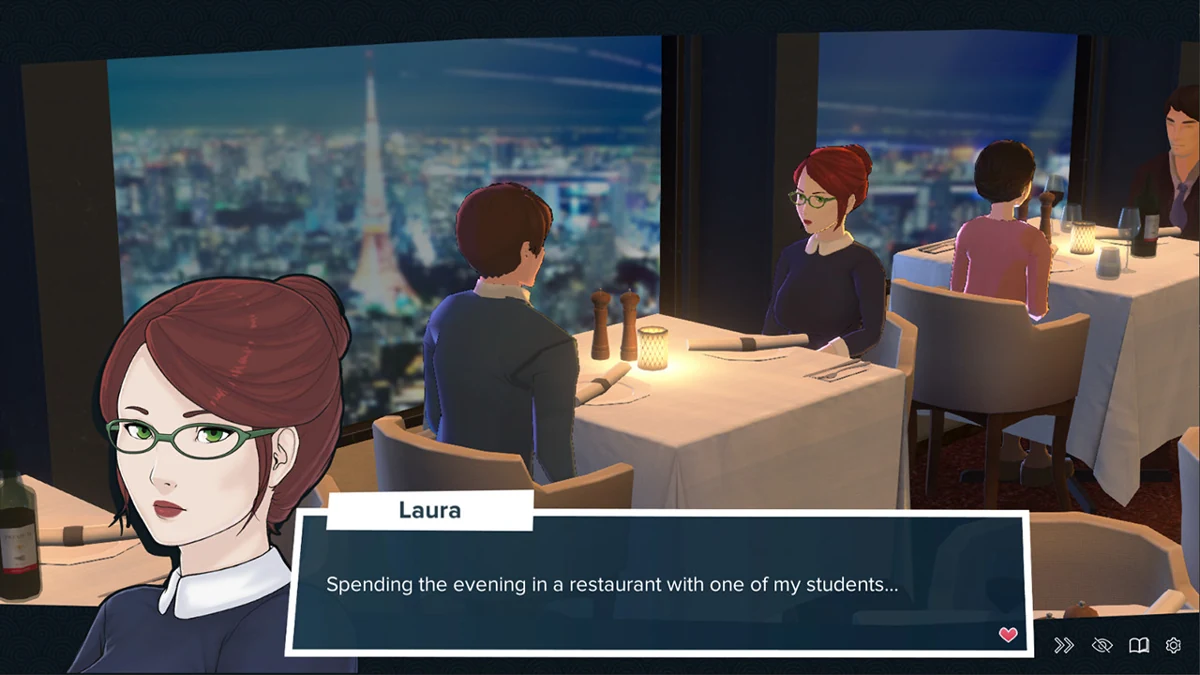
The free three-episode demo of Welcome to Free Will can leave you invested in a woman; its six-episode Complete Edition asks you to start the relationship all over again. The Steam listing checked in October 2026 explicitly rules out transferring demo saves. Buying the rest of the romance therefore also means replaying its opening.
Before updating, work out what is at stake: choices on a romance route, an encounter you worked toward, gallery unlocks or achievements. A backup preserves the files, but another edition still has to read them. Check what the destination accepts before trading your progress for the promise of more sex scenes.
Check the exact edition and build
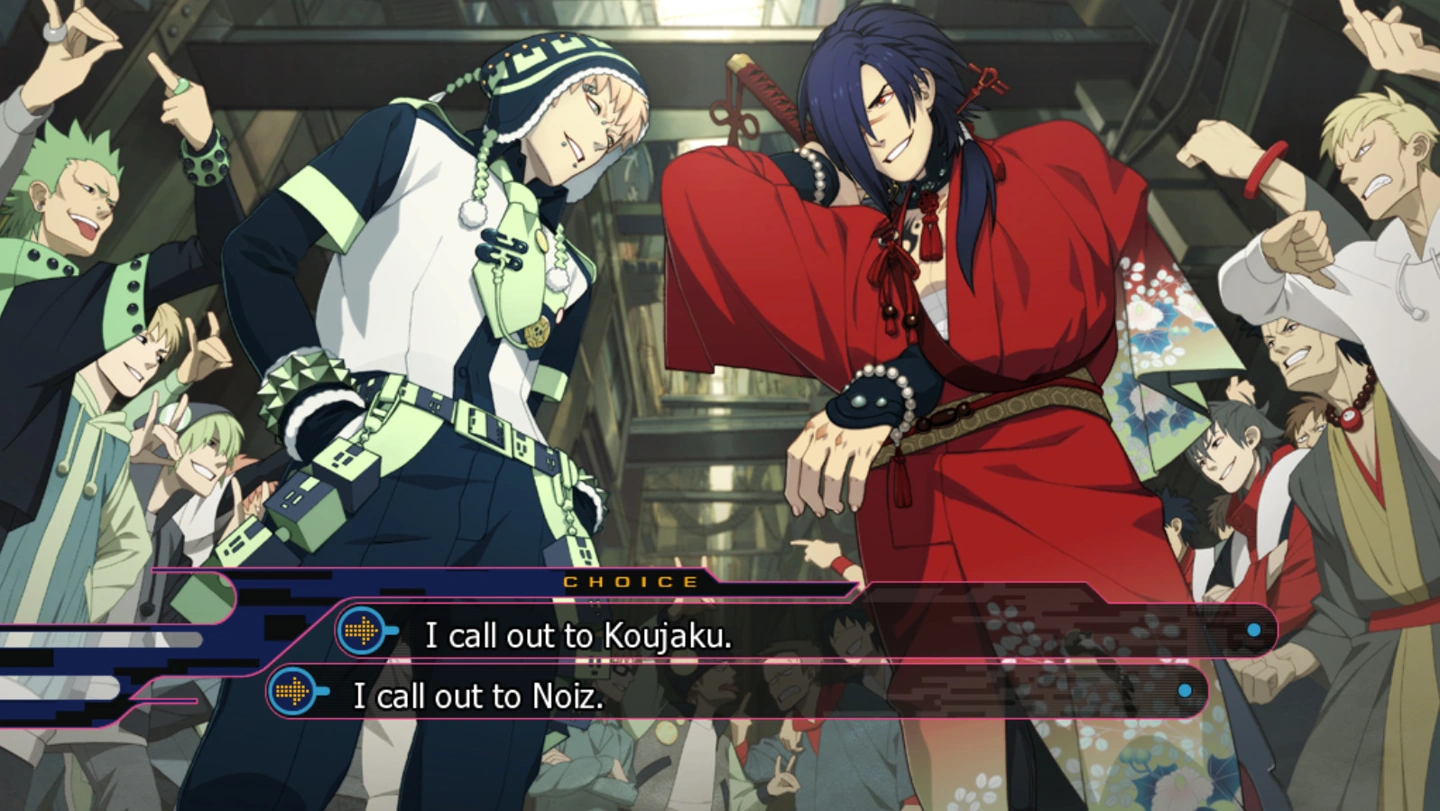
Note the game title, storefront, operating system and build number you are using, along with the version you intend to install. For DRAMAtical Murder, that includes whether you applied JAST’s adult patch. An identical title screen tells you little about the save format underneath it: a demo, full release and supporter build can handle saves differently.
For Welcome to Free Will, the free demo is Steam app 1743260 and the Complete Edition is app 3930840. The restart warning applies to this particular transition. Steam allows developers to share cloud storage between demo and full-game app IDs, but they have to implement that support. Look for an answer naming your exact pair of editions. Moving an old save into a new folder or changing its name does not establish that the new game can read it.
Choose your adult patch before settling into a route

DRAMAtical Murder gives you a good reason to make this call early. JAST’s May 8, 2021 Steam patch installation guide warns that its restoration patch prevents access to unpatched Steam save data. Normal Steam achievement unlocking also stops working, although achievements already earned remain.
Decide whether you want the restored adult content before getting invested in Aoba’s romances. A late switch can turn the sexual payoff into another trip through dialogue you have already read. If achievements matter too, decide which edition each playthrough will use. The warning concerns the patch documented in 2021; check the instructions for your own release before assuming a later patch has the same limits.
Back up the gallery and the story
Your latest save slot may not contain your collection of unlocked sex scenes. Ren’Py supports persistent data outside a particular story checkpoint, including flags used to unlock an image gallery. Each game decides how to use it. Keeping one convenient slot may still leave completed endings or gallery flags behind.
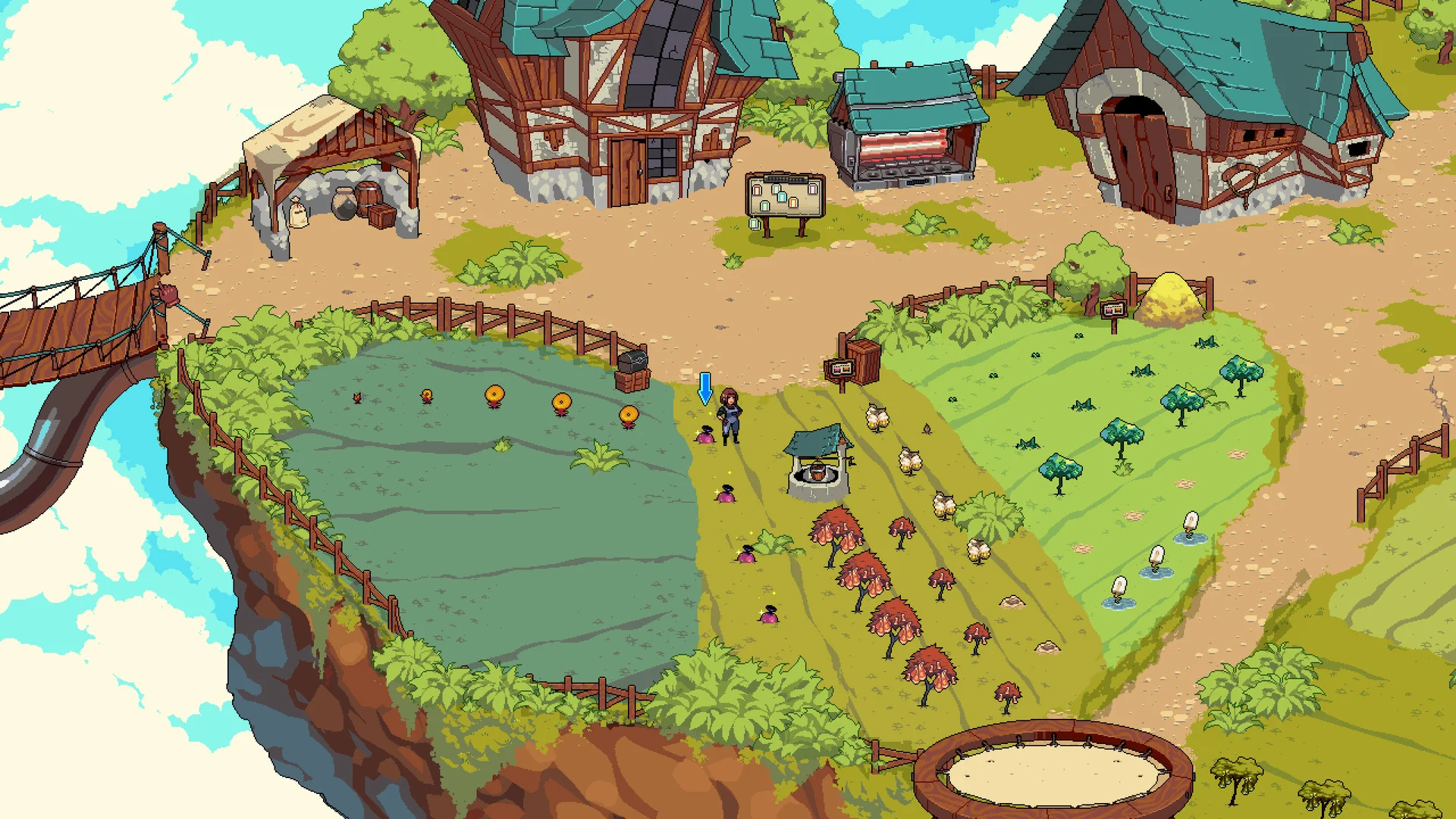
Cloud Meadow’s November 2024 gallery hotfix shows why the distinction matters. Unlocking a sex scene began saving its gallery access automatically, without requiring a story-progress save. Check that your backup covers both kinds of progress.
Follow the developer’s save-location instructions, close the game, then copy the identified save and persistent-data folders into a separately dated backup. Keep the originals intact. A Steam installation backup is no guarantee that these files were included: third-party games choose their own save locations. Leave unlock flags alone, and avoid overwriting folders merely to test whether an old save works.
Find out what Steam Cloud covers
A Steam Cloud badge does not promise that every route, gallery and setting will travel together. The developer chooses which files to synchronize, and support across operating systems depends on the game’s implementation. Check that support before moving your playthrough from Windows to another platform.
Wait for synchronization to finish before switching devices. If Steam reports a conflict, compare the displayed dates with where and when you made the progress you want. Choosing the cloud copy by habit can discard a newer local session. Resolve a synchronization error before continuing to play, and keep your separate backup. Steam Cloud carries selected files between machines; the destination game still has to understand them.
Check recovery options before restarting
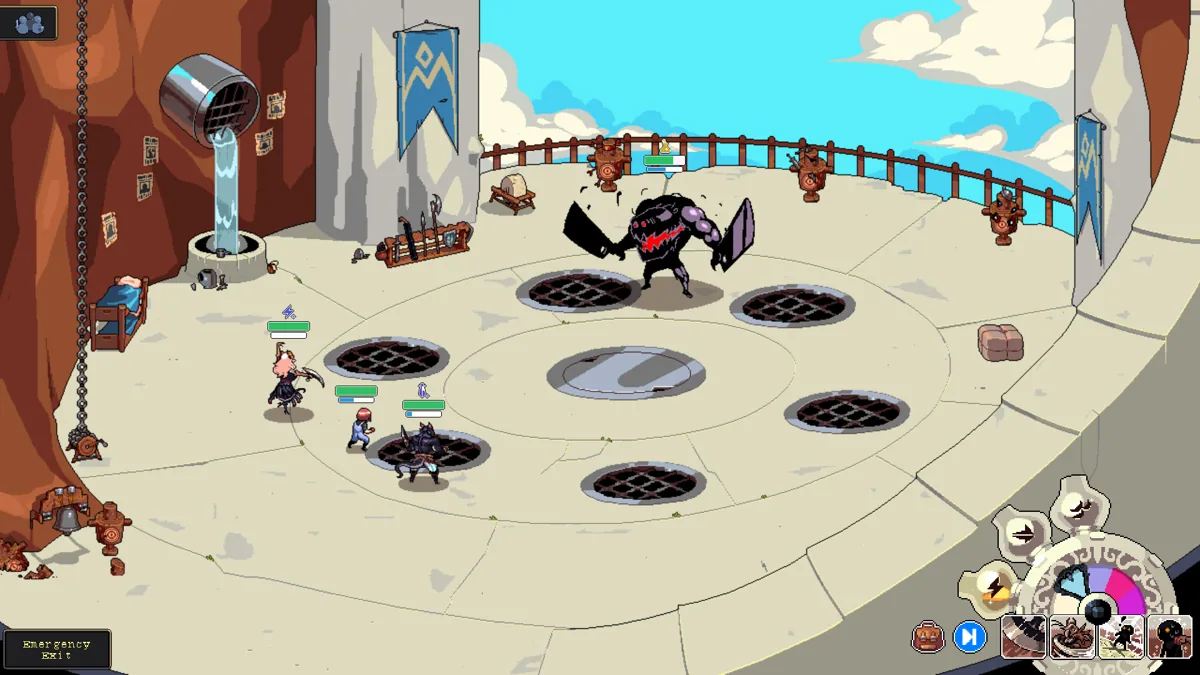
A hidden checkpoint, a loading error and a deliberate repair to story progress call for different responses. Cloud Meadow’s August 11, 2025 hotfix stopped hiding errored slots from the Load menu and added options to attempt restoration, report the error or load a previous save under that slot. Some players had mistaken the hidden slots for deleted files.
Its January 6, 2026 hotfix made a different repair: saves that had entered Forest Sunglades prematurely were restored to an earlier safe story point. On May 20, 2026, another fix addressed a black screen when loading an earlier-version save. These specific repairs do not establish compatibility for every later build.
If your progress changes after an update, preserve the files and read the relevant recovery instructions before replacing the playthrough. A fresh run should follow that check, rather than become the first response to a loading error.
Decide whether the new scenes are worth the replay
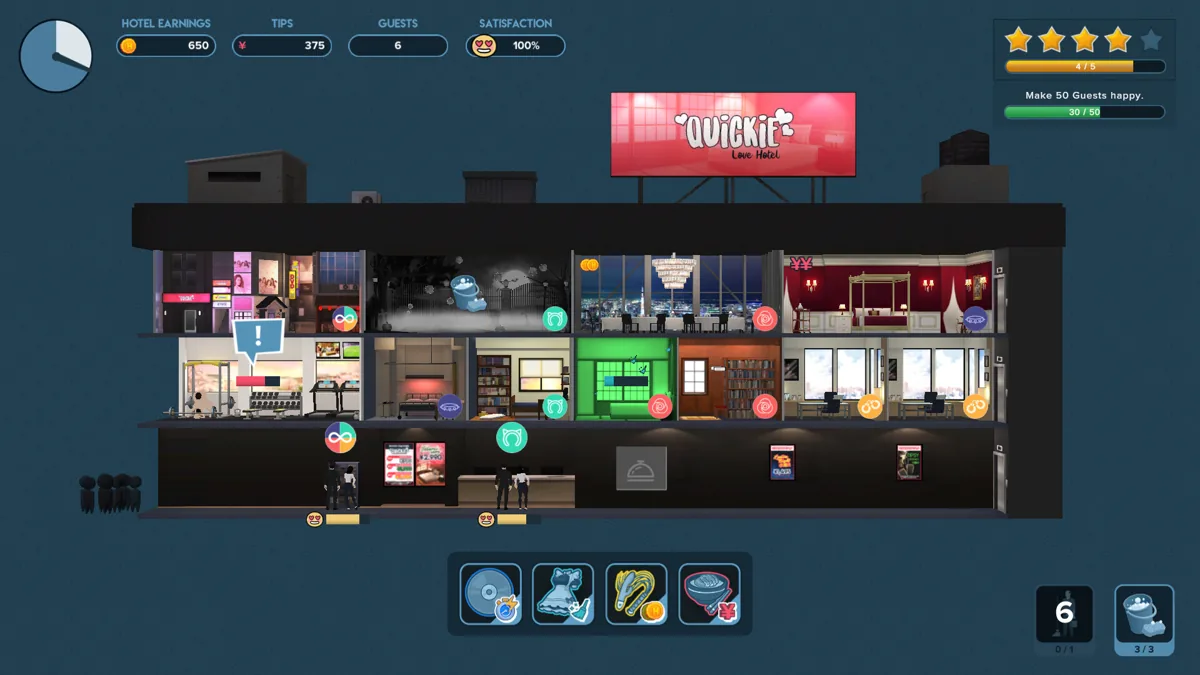
Even a free update can cost you a replay. Repeating conversations can flatten a romance; rebuilding resources can make the new sex scenes feel like a second shift. Quickie’s hotel expansion, for example, helps develop its intimate encounters. A lost save can send you back through the work that made those encounters possible.
Find out what the new build adds and how much replaying it would demand. Check whether it offers skip, replay or chapter-selection features that can reduce the burden; a gallery does not automatically reconstruct a route’s choices. Keep the old backup until you have confirmed the intended route position and unlocks in the destination.
If the developer explicitly warns that saves are incompatible, plan for a restart. If compatibility is unclear, preserve your progress and ask about the exact editions. The extra sex scenes need to justify the journey back to them.
Questions and answers
Can Welcome to Free Will demo saves transfer to the Complete Edition?
The Complete Edition listing checked in October 2026 says they cannot. The free three-episode demo is Steam app 1743260; the six-episode Complete Edition is app 3930840 and requires you to start from the beginning.
How does the DRAMAtical Murder adult patch affect saves and achievements?
JAST’s May 8, 2021 Steam patch guide warns that unpatched Steam saves become inaccessible and normal achievement unlocking stops working. Previously earned achievements remain. Check the instructions for the exact patch you plan to use.
Does a Steam installation backup include my romance saves?
Do not assume it does. Third-party developers choose their games’ save locations. Follow the developer’s instructions to identify and copy the relevant progress files separately.
Can my gallery and story save record different progress?
Yes, depending on the game. Ren’Py supports persistent gallery flags outside a story checkpoint. Cloud Meadow’s November 2024 fix also saved newly unlocked gallery scenes without requiring a story-progress save.
Does Steam Cloud make an old save compatible with a new edition?
No. Steam Cloud synchronizes the files the developer includes; the destination game still has to understand them. Cross-platform support also depends on the game’s implementation.
Should I start again if an update hides or breaks my save?
Preserve the files and check that update’s recovery notes first. Cloud Meadow has released separate fixes for hidden errored slots, premature story progress and an earlier-version loading error. A fresh playthrough may not be necessary.
Sources & further reading +
- Welcome to Free Will Complete Edition — current demo-save warning ↗
- Welcome to Free Will — free first-three-episode offer ↗
- JAST — DRAMAtical Murder Steam patch installation guide, May 8, 2021 ↗
- Ren’Py — persistent data and gallery unlocks ↗
- Steam Support — installation backups and third-party save locations ↗
- Steam Support — cloud coverage, conflicts and platform limits ↗
- Steamworks — cloud configuration and shared demo storage ↗
- Cloud Meadow — November 2024 gallery persistence hotfix ↗
- Cloud Meadow — August 11, 2025 save-error recovery changes ↗
- Cloud Meadow — January 6, 2026 premature-progress recovery ↗
- Cloud Meadow — May 20, 2026 earlier-save loading fix ↗
- Quickie — hotel expansion and intimate progression ↗
Last checked 6 October 2026.