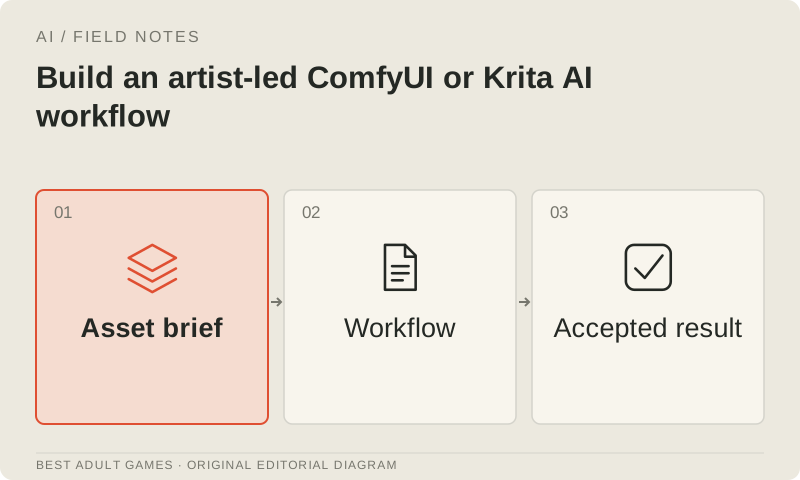
A useful AI art workflow lets you revise a game asset without starting from scratch. It needs an approved reference, recorded dependencies and a clear correction process. Getting one attractive image out of a node graph is a start; production means being able to return to it when the art direction changes.
Use non-explicit, original or properly licensed inputs, and check the terms of the exact models and services you choose. This website supplies workflow advice and a run-register template. It does not host model weights or run generation.
Choose the editing environment
ComfyUI exposes a configurable workflow graph, useful when a team needs to record each stage and repeat runs. Krita AI Diffusion adds AI assistance to a painting workflow with selections and reference controls. Choose the environment around the person who must make the next correction.
Test one real task, such as revising a background while preserving its layout. Adding a second tool should solve an editing problem, not just lengthen the tool list. Keep conventional painting available: some corrections are quicker or more predictable by hand.
Audit dependencies and input rights
Record the exact base model, adapters, control models, custom nodes and their versions. Check the licenses and policies for every relevant component and any hosting service. Keep the source of each reference image alongside the permission to use it, so those rights remain traceable through revisions.
Treat downloaded custom nodes as code dependencies. Use a known source and pin the version once the pipeline works. A familiar extension name tells you little about a different fork. Review workflow packages before importing them into a production environment.
Make a controlled first run
Start with one approved input and a modest output specification. Make camera, composition and identity constraints explicit. Record the settings needed to repeat the result, including model identifiers, input dimensions, adapter weights and the workflow version. This first run gives later adjustments a baseline to compare against.
Change one useful control at a time while learning the pipeline. Judge the output against the asset specification as well as the prompt. An image can follow a prompt and still miss the crop, palette or character identity the game needs.
Correct in editable stages
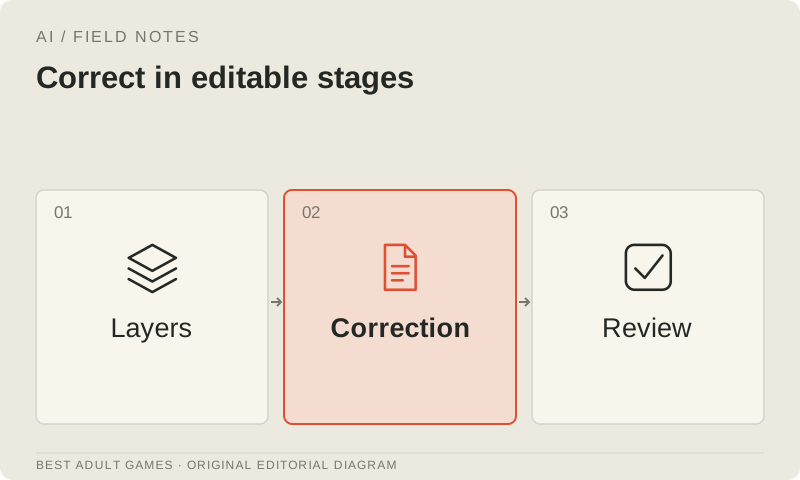
Keep the approved reference and an untouched output. Paint or edit corrections in layers wherever the tool supports them, so revisions remain editable. Give each export a stable asset identifier and record what changed. The next correction should not require detective work to find the right file.
Inspect edges, hands, recurring accessories, perspective and background continuity. Review the art at game size and in context, where a detail that looked fine on its own may stand out. For sprites, check transparency and the shared anchor point. For backgrounds, check that later scenes can still reuse the location coherently.
Count the full production effort
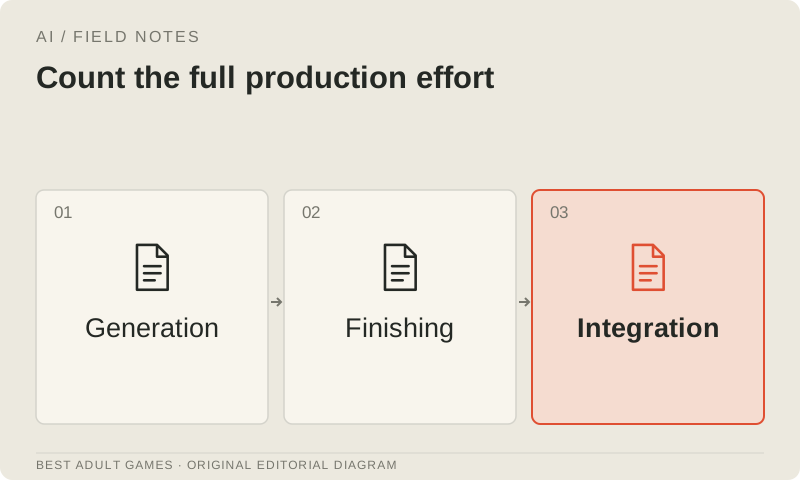
Count attempts, compute or service spend, selection time, editing time and review after integration. Include rejected attempts; they still consumed time or money. Compare the total with a conventional version of the same asset, or with a realistic estimate of the work needed to make one.
A pipeline earns its place when accepted results can be reproduced and revised under the project's terms. Generation time covers only part of the job: record how long it takes to finish an accepted asset. Keep documentation-based recommendations separate from results you have actually measured.
Freeze a working release recipe
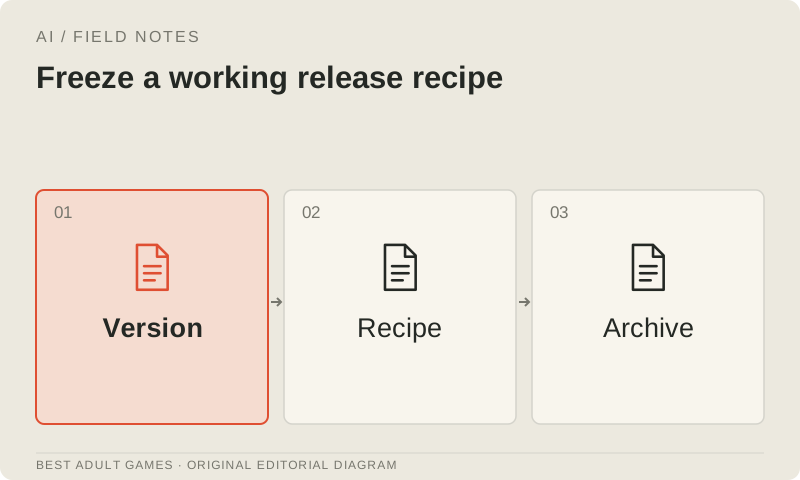
Save the graph or plugin configuration, editable source, reference, final export and run register together. Record important hashes and version information. Check that these files let you restore the workflow in its intended environment; an archive is useful only if you can put it back to work.
Test a model upgrade on a small, fixed asset set before replacing a proven pipeline. A new version may change identity, controls or licensing. Keep the approved result until its replacement meets the same acceptance standard, rather than treating a version bump as an automatic improvement.
Key decisions
- Choose the tool around the next correction.
- Record versions and review model and node dependencies.
- Keep corrections editable and review the art at game size.
- Measure the full effort behind accepted assets.
Guide files
Model run register ↓External model communities and publishing sites may contain explicit material. Source links open in a new tab; this guide does not load their previews.
Sources & further reading +
Last checked 5 October 2026.