Players notice when a character’s face, body proportions, costume or rendering style changes between dialogue lines. Consistent art needs an approved design and a review process that catches drift. The aim is a finished asset set that preserves the character while allowing the expressions and actions the story needs.
This workflow uses an original, clearly adult fictional character in ordinary clothing. It applies to hosted instruction editors and local reference or adapter pipelines. It cannot promise perfect identity from one image and does not cover impersonation. Start with approved design sources, give each control a purpose, and finish corrections in an editable art file when that is more reliable than another full generation.
1. Freeze a character identity sheet
Create a canonical sheet with an approved neutral front portrait, a three-quarter view, a profile, a full-body silhouette and useful costume details. Define eye shape and spacing, jaw and nose structure, hairline, hairstyle, body proportions, palette and distinctive original features. Make the notes specific: record the jacket’s closure and pocket positions so “the same outfit” means something you can check.
Approve the sheet before making expressions or dramatic camera angles. Every reference must agree on the design. Attractive images with different facial structures introduce ambiguity into training or conditioning. Commission missing views or establish them from an owned 3D source. A generated multi-angle sheet still needs review; it cannot prove that the model reconstructed a consistent three-dimensional character.
2. Assign each reference a single job
Give identity, costume, pose, style and composition references separate jobs. An identity portrait should show the face clearly; a pose reference should show joints and action; a style sample should communicate linework, palette and shading. Label these roles in the workflow or instruction. When a service accepts several images, state which source controls which subject or region. Begin with simple lighting and a fixed camera baseline.
A style reference that contains a different face or costume may also introduce those features. Resolve conflicts by reducing the reference pack before adding more adjectives. Model-specific input limits differ, so check the current endpoint’s limits. Its maximum reference count is a ceiling, not a target for every request.
3. Distinguish identity control from structural control
Pose skeletons, depth maps, edges and layout sketches guide structure. They do not automatically preserve a specific face or costume. Reference conditioning and identity or style adapters have different roles too. Use a compatible ControlNet or equivalent structural tool only when the target architecture, preprocessors and workflow are supported. A conditioning file for SD1.5 is not interchangeable with an SDXL or FLUX control model.
For a difficult composition, a small Blender scene can establish the camera, prop placement and body blocking. Export a pose or depth reference, then use the image workflow for appearance. Keep the original blockout so revisions preserve the spatial relationships. This is especially useful when two characters or a handheld object need exact positions and the camera needs to stay put.
4. Produce a baseline expression set
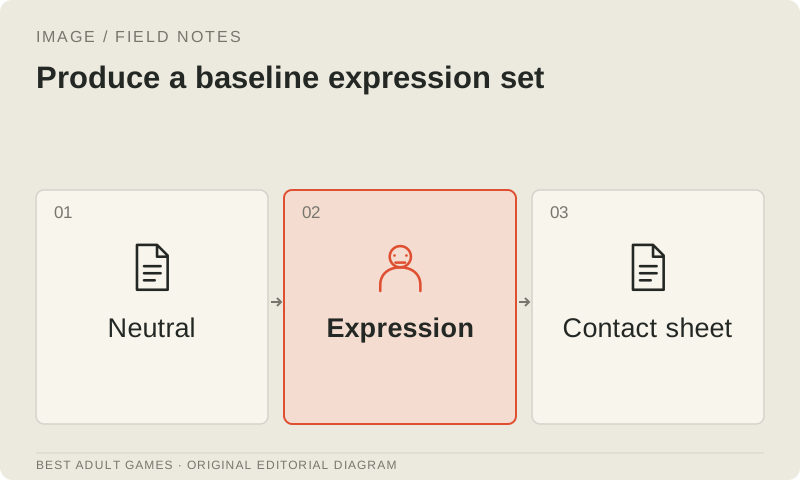
Generate or edit neutral, pleased, concerned and frustrated expressions at the same crop and camera. Keep pose and lighting simple, then compare all outputs together against the approved portrait. Reject changes to jaw width, eye placement, apparent age or hairstyle, however attractive the individual image looks. A new expression should not come with a new jaw.
Record reference IDs, model and workflow versions, the seed where exposed, dimensions and each edit instruction. A fixed seed helps repeat a particular stochastic setup; it does not lock identity and may not reproduce the same image after a model, scheduler or backend change. Archive the accepted pixels so the asset does not depend on the service recreating it later.
5. Add action and outfit variation one axis at a time
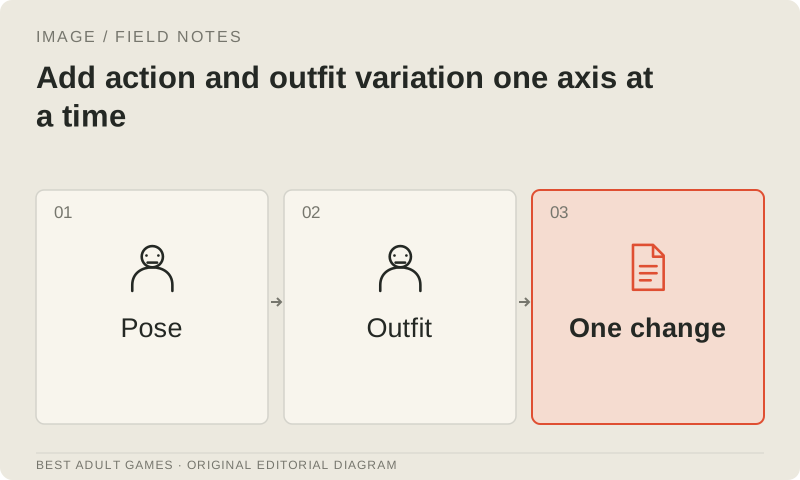
Once the expressions agree, add a new pose while keeping the approved face and outfit. Then test a second approved outfit using a clear costume sheet. Vary camera or lighting last. This sequence makes failures easier to locate: if only the low-angle view drifts, improve that angle’s reference or finishing process before retraining every asset.
Establish each character separately before combining the cast. Review the shared scene for swapped identities, scale and occlusion. Name which reference belongs to which subject and use composition or layout control where supported. Even a convincing group portrait fails if accessories or facial features migrate between people. Keep scene-specific references separate from the canonical identity sources.
6. Correct the smallest region that solves the defect
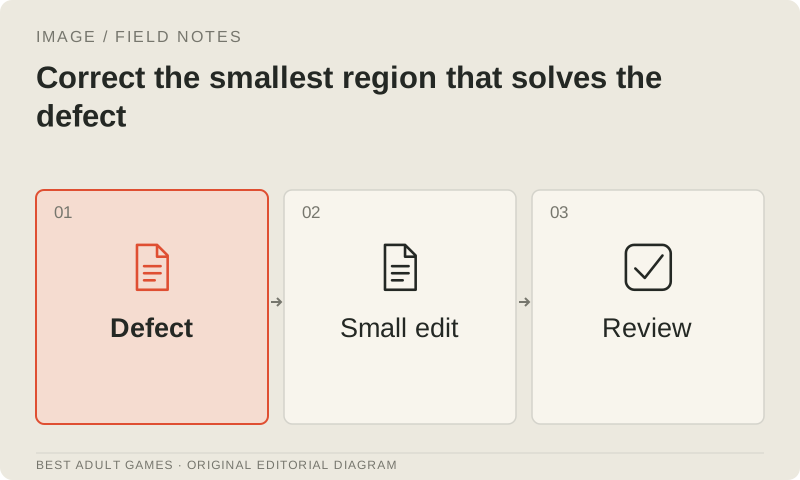
Identify the defect before choosing a repair. A misplaced button may need manual painting; a malformed hand may need a local masked edit; an incorrect camera or pose may send you back to the blockout. Keep the source image and mask, request one correction, and inspect both the edited region and the areas meant to remain unchanged.
Compare before and after using aligned crops or an overlay in your art editor. Depending on the model and resizing behavior, a local edit can still change lighting, facial detail or texture outside the intended region. If repeated edits cause drift, return to the approved source or finish manually. Review each revision before using it as the starting point for another.
7. Decide whether a LoRA has a measurable purpose
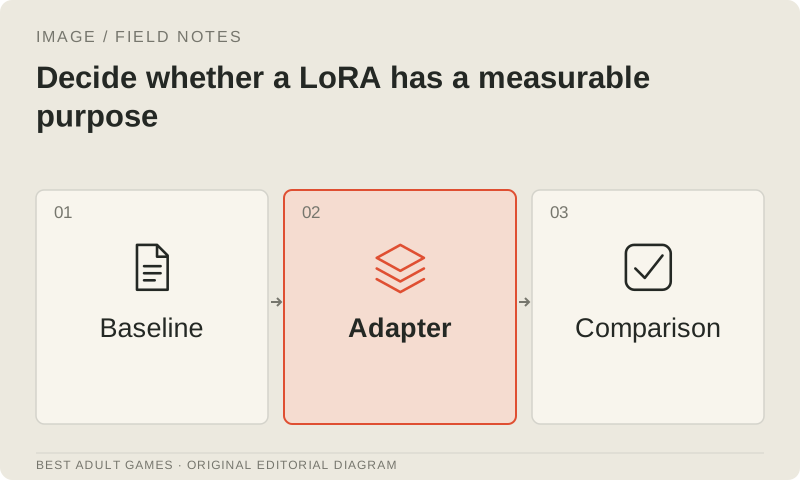
Consider a character LoRA when the approved reference workflow repeatedly fails, the cast needs many reusable poses or a local pipeline must express a stable original identity. Test the unadapted base first to identify the missing behavior. A LoRA cannot guarantee new perspectives, exact anatomy or rights to the character. It also becomes another production dependency to version and maintain.
Use a supported architecture-specific training route and evaluate the adapter on poses withheld from training. Weigh its benefits against the work of curating data and correcting failures. Compare several adapter strengths with the base-only result; excessive strength can constrain outfit or composition too much. Keep identity and style adaptation separate when the project needs to vary those controls independently.
8. Review a contact sheet at production scale
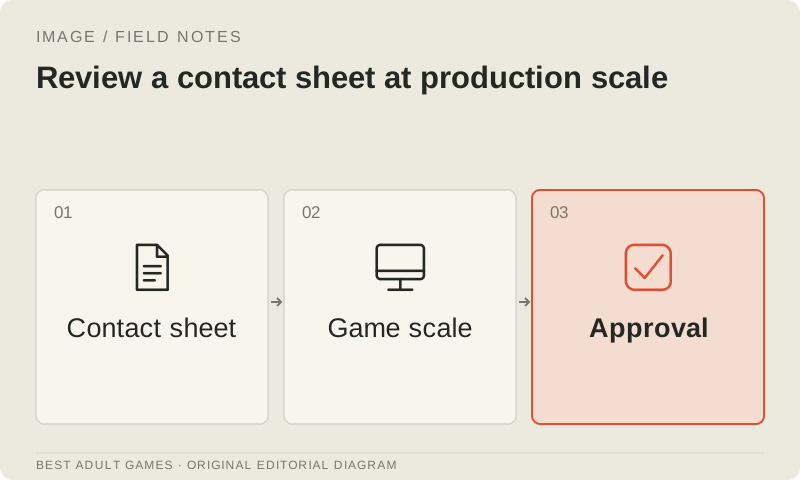
Assemble accepted candidates into a contact sheet with identical scaling and clear labels. Compare face structure, silhouette, body proportions, costume geometry, palette, line weight and light direction. Inspect difficult regions at full resolution too. Give the reviewer the canonical sheet and explicit rejection criteria, so approval does not rest on the generator operator’s familiarity with each attempt.
Export transparent sprites and preview them over light, dark and actual scene backgrounds. Check halos, hair edges, feet or waist anchors, and expression alignment. Test the sprites in the engine behind dialogue UI and at the smallest supported device size. Approval requires consistent identity, a correct technical export and a composition that works inside the game.
9. Preserve an approved set through updates
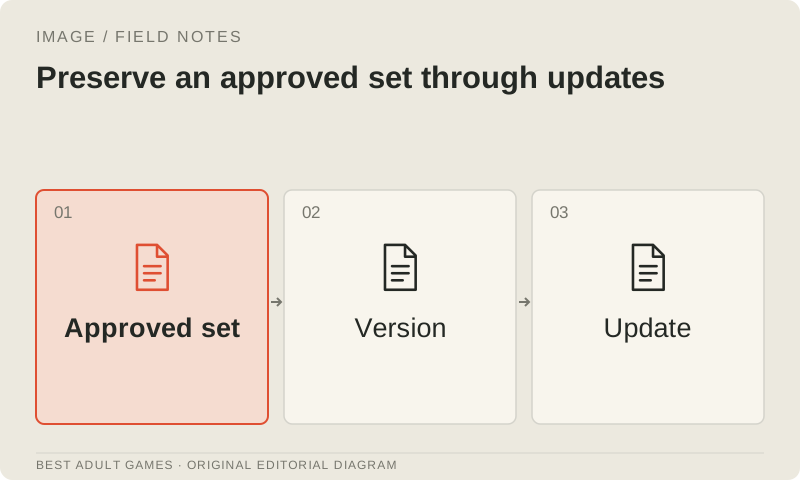
Keep canonical references, finished editable files, masks, exports and a versioned manifest together. Record original creators and any AI or human revisions, plus the model and provider records needed for the planned use. A design change needs a new approved sheet and an explicit decision about migrating existing assets. Preserve the old source.
Before enabling a model or local runner upgrade for new chapters, compare a small candidate set with approved production art. Retain the earlier setup when useful. A more detailed model can still disrupt continuity; the team needs to be able to explain and review what changed.
Key decisions
- Approve identity references before making expressions and action variants.
- Give identity, pose, costume and style references distinct jobs.
- Treat structural conditioning as a separate control from identity.
- Repair local defects and inspect the regions meant to stay unchanged.
- Review the complete exported set inside the game.
External model communities and publishing sites may contain explicit material. Source links open in a new tab; this guide does not load their previews.
Sources & further reading +
- Official Qwen-Image-Edit-2511 reference-editing card ↗
- Official HiDream-O1 image personalization workflows ↗
- Diffusers ControlNet documentation ↗
- Official OpenAI image-generation consistency limitations ↗
- Ideogram precise-edit preservation and resizing conditions ↗
Last checked 5 October 2026.