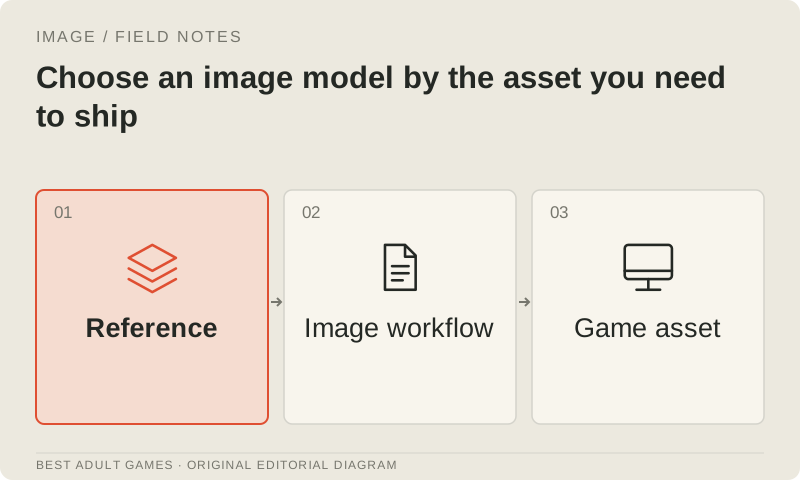
Choose an image pipeline by the work it needs to finish: dialogue sprites, a room background, a storefront illustration or an editable UI icon. Each job needs different controls. An impressive portrait can become an expensive starting point when you need the same face in twelve expressions, with consistent clothing, scale and transparent edges.
This guide covers ordinary, non-explicit development assets. The directory’s S–C tiers recommend models for the named workflow, based on reviewed documentation. They do not represent measured quality scores, adoption statistics or permission to generate every kind of adult-game content. Use the steps below to choose a pipeline you can explain, test and revise while keeping approved artwork.
1. Write an asset contract before opening a generator
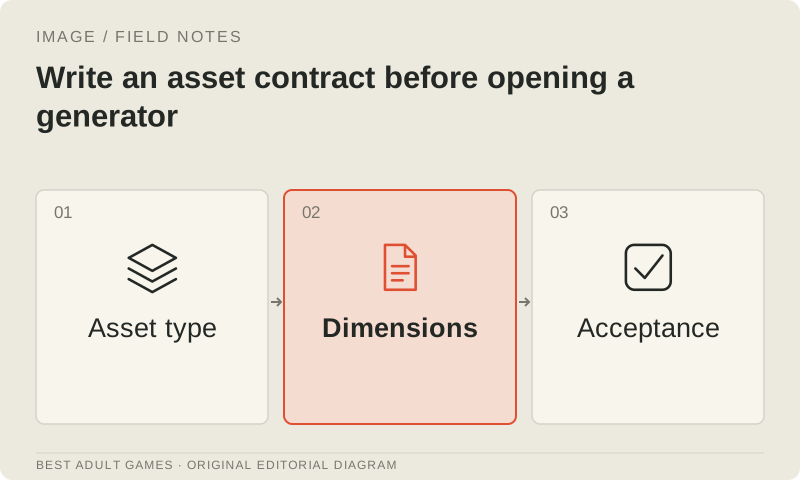
Define the deliverable in production terms. For dialogue sprites, specify canvas dimensions, the visible body region, a feet or waist anchor, expressions, outfits, alpha requirements and the smallest on-screen display size. For backgrounds, specify camera height, perspective, readable interaction areas, lighting variants and any need for separate layers. For marketing art, list the crop variants and copy that must remain editable.
Set acceptance conditions an artist can check without knowing which model made the image. A character must match the approved facial proportions, silhouette, outfit construction and palette. Hand or prop errors must not obscure the intended action. A background must align with the playable interaction map. For this selection exercise, use an original, clearly adult fictional character and references you own or have properly licensed.
2. Filter by access and rights before comparing appearance
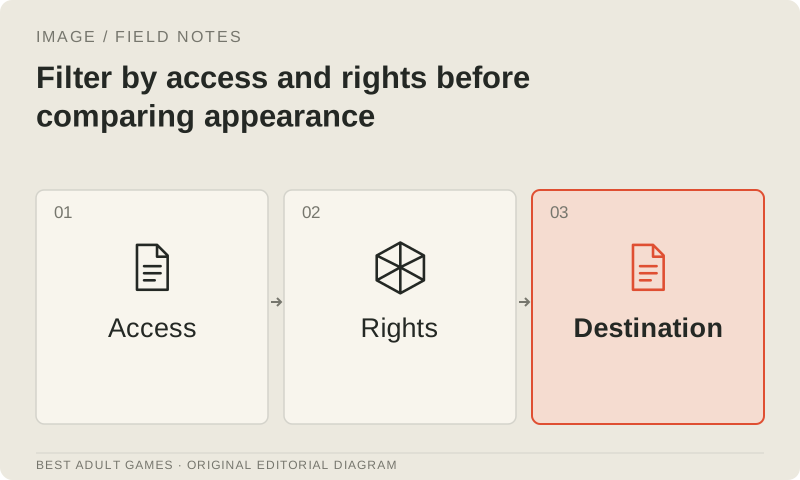
Read the exact model card, included license and hosting terms. Permission to run or adapt weights, permission to sell finished output and rights to the source images are separate questions. A permissive runner such as ComfyUI does not change the model’s license. A download button does not establish commercial clearance, and a third-party host can impose restrictions even when the original weights permit local use.
License terms differ by version. Qwen-Image-2512 and Edit-2511 use Apache 2.0, while Qwen-Image-2.1 uses a noncommercial Research License unless separately licensed. FLUX NC licenses address output use and model operation separately. Check your intended production use against the actual agreement and record unresolved questions. An attractive result is no reason to assume the rights are settled.
3. Choose a category-specific shortlist
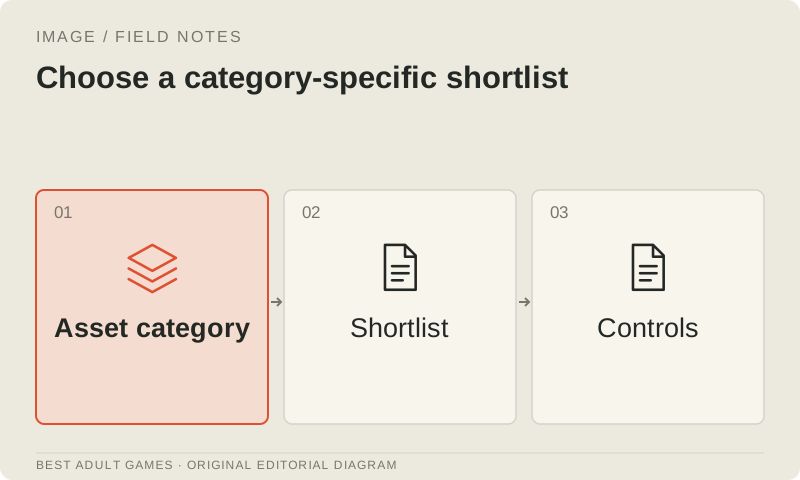
For original portraits and room concepts, compare a general text-to-image model with a conventional painting or rendered reference process. For recurring characters, prioritize editing, reference conditioning or a supported adapter workflow. For cutouts, compare native transparency with manual masking and inspect both at game scale. For icons and interface decoration, start with vector tools when crisp scaling and future revisions are essential.
Build a shortlist of three materially different candidates: a hosted instruction-editing model, a suitable local model and a conventional art or 3D-render baseline. Keep the comparison brief constant, but adapt prompt syntax to each model’s documented conventions. A tag-trained illustration model needs a prompt suited to its training; judging it only on a natural-language recipe can distort the comparison. Explain that workflow difference in your result.
4. Build a small production test rather than a beauty contest
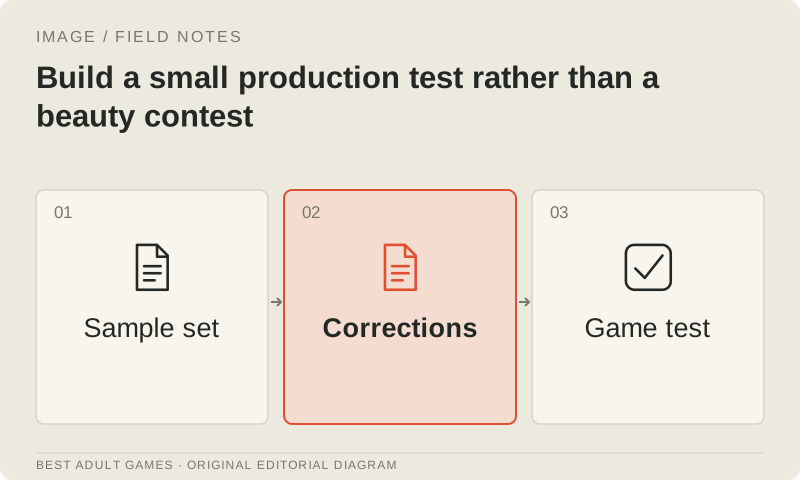
Use a representative asset set: one approved character in front, three-quarter and profile views; two different expressions; an ordinary seated pose; a hand holding a simple prop; and a room with a deliberate interaction area. Add a correction brief, such as changing a jacket color while preserving the face, camera and background. These are suggested test cases; this guide does not supply sample files.
Run several variations for each case, keep every attempt and select results against the asset contract. Record the model/version, host or local workflow, reference IDs, dimensions, seeds when available and relevant settings. Judge whole sets together. A consistent cast can be more useful than a folder of spectacular portraits whose faces and clothes refuse to agree.
5. Measure accepted assets and the work after inference
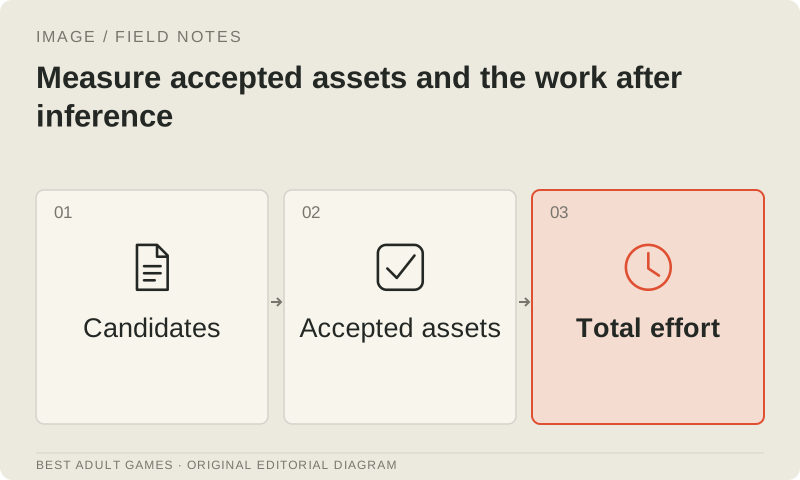
Track generation time, queue time, billed credits or tokens, failed attempts, manual correction minutes and integration time. Calculate cost per accepted asset from the complete run, including rejected results and corrections. Local compute has costs too: hardware, rented time, storage, power and maintenance. A subscription’s price tells only part of the story when plan limits or queues put the delivery schedule out of reach.
Assess repeatability separately from visual appeal. Check whether another teammate can follow the recorded workflow, whether an outfit revision can carry across the cast and whether you can retain editable sources and regenerate a known asset after a dependency change. Documentation alone cannot supply a measured quality score. Until you run this exercise, state that the recommendation is based on documentation and keep cost estimates provisional.
6. Test the installed local workflow, not a memory headline
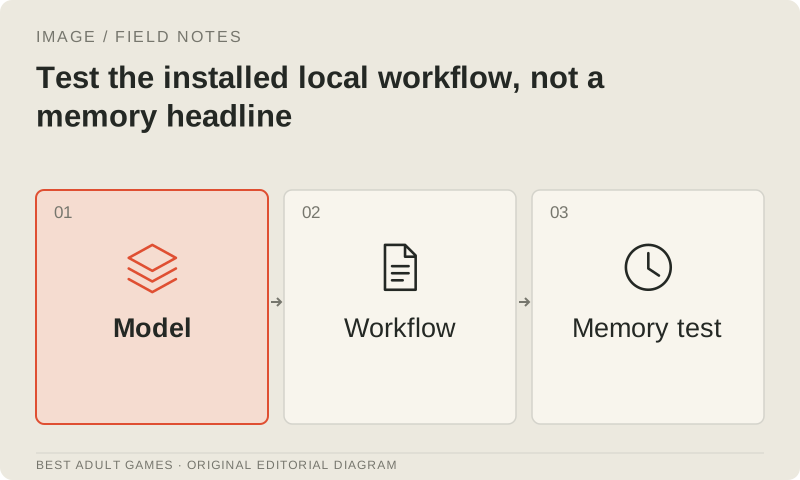
For a local candidate, list the diffusion model, text encoders, VAE, adapters, quantization and any custom nodes. Measure peak memory and completion time at the required dimensions. Quantization can shrink stored weights while leaving other memory costs substantial. Offloading can make a task possible, but the added latency may affect how many assets you can finish on schedule.
Keep a clean, supported installation and save the workflow with exact dependency versions. Change one optimization at a time and compare an approved test set before enabling it. Distilled, undistilled, generation and editing checkpoints may use different guidance settings or adapters. Treat a documented hardware example as an example for that recipe, rather than a guaranteed minimum across resolutions or training modes.
7. Verify finishing and engine integration
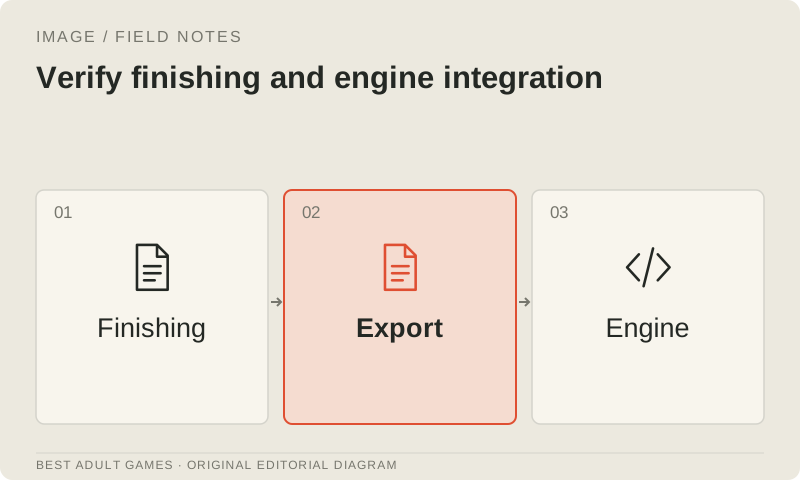
Export a candidate through the intended final path, then inspect it inside the game. Check alpha edges on light and dark backgrounds, anchoring between expressions, mip or scaling behavior, color-space handling, download size and readability behind dialogue UI. Generated text should stay in the background only when it is decorative and proofread. Keep menus and localization editable.
Save the accepted image and an editable source with its review record. If a model outputs layers, reconstruct the image and check the overlap before treating those layers as production sources. Record any human painting pass that fixes anatomy. Base the final decision on finished assets that have passed these checks; playground screenshots leave the finishing work out of view.
8. Adopt a primary pipeline and a deliberate fallback
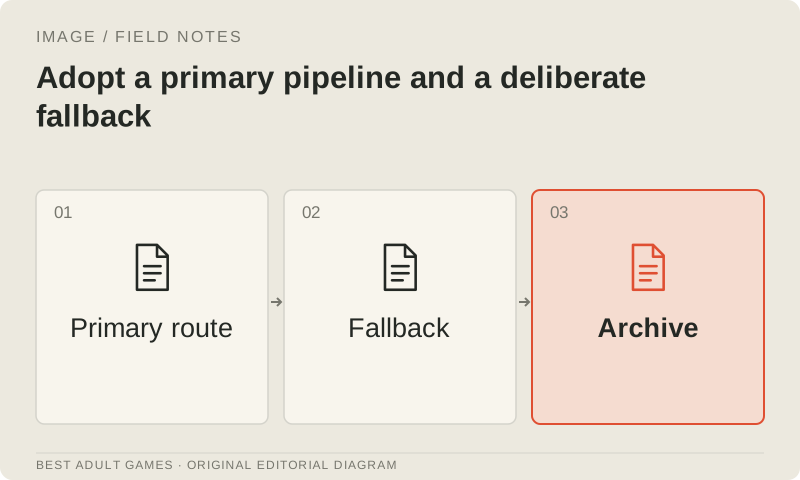
Write a short decision that names the use case, exact primary model and deployment, permitted input/output scope, tested machine or account, acceptance criteria, measured correction burden and unresolved constraints. Keep a fallback that can finish essential assets if a hosted service changes or a local update breaks compatibility. It could be a human artist, a retained render setup or another workflow you have already evaluated.
Revisit the choice when the art direction, cast size, distribution region, provider policy or workload changes. Keep approved geometry, references and finished artwork during migrations, and compare a candidate batch before replacing the established look. A useful decision gives the team a maintainable production process and a record of why it works. A leaderboard position cannot do that work for you.
Key decisions
- Choose by the finished asset’s requirements and inspect it inside the game.
- Check weight use, output use, reference rights and hosting policy separately.
- Compare complete character sets and their correction passes.
- Calculate cost per accepted asset, including rejects and manual finishing.
- Save exact versions and keep a fallback you have tested.
External model communities and publishing sites may contain explicit material. Source links open in a new tab; this guide does not load their previews.
Sources & further reading +
- Qwen-Image-2512 Apache model card ↗
- Qwen-Image-2.1 actual Research License ↗
- FLUX.2 dev actual license ↗
- Official OpenAI image-generation controls and limitations ↗
- Official Qwen layered-image workflow ↗
Last checked 5 October 2026.