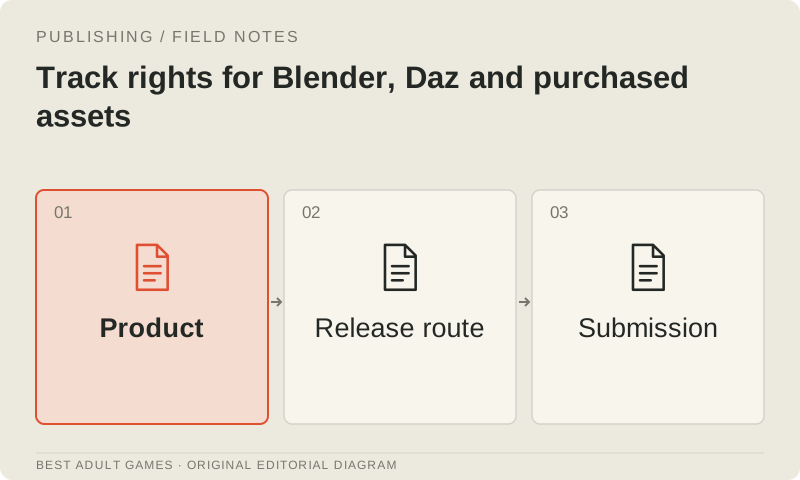
A game can use legally obtained software and still lack permission for an asset in its release. Track the application, imported content, reference material and intended output separately. Check whether each item is permitted in the product you plan to ship and through the distribution route you intend to use.
Use the license register to keep those answers in one place, along with the terms for the exact product version. This workflow helps you organize permissions; it does not legally clear an individual game. Resolve unclear conditions before committing an asset to the release, including any restrictions relevant to its use in adult content.
Separate application and asset terms
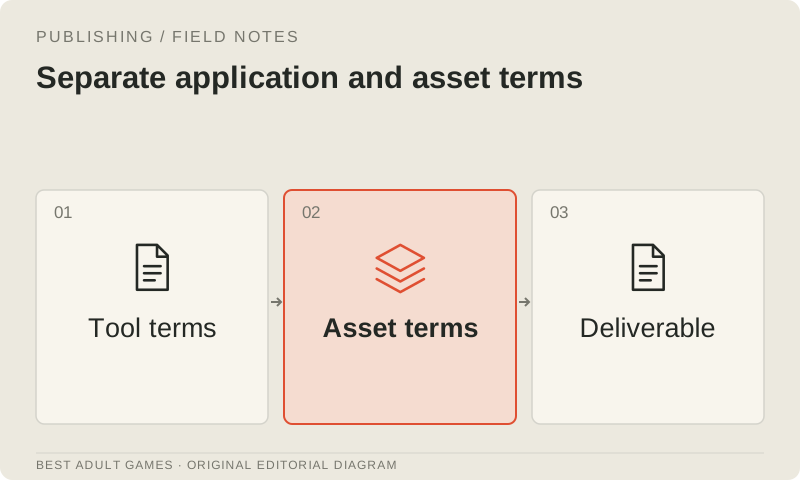
Blender's GPL license governs the software; it does not automatically apply to original artwork you create with it. Imported models, textures, fonts and add-ons can have separate conditions. Keep their license records beside the source project so that the artwork and its permissions stay together.
Paying for an application does not give you unrestricted ownership of its included or marketplace content. Check each asset's product page, license and third-party notices. Record what they permit: modification, commercial use and redistribution are separate questions, and a purchase receipt does not answer all three.
Name the deliverable
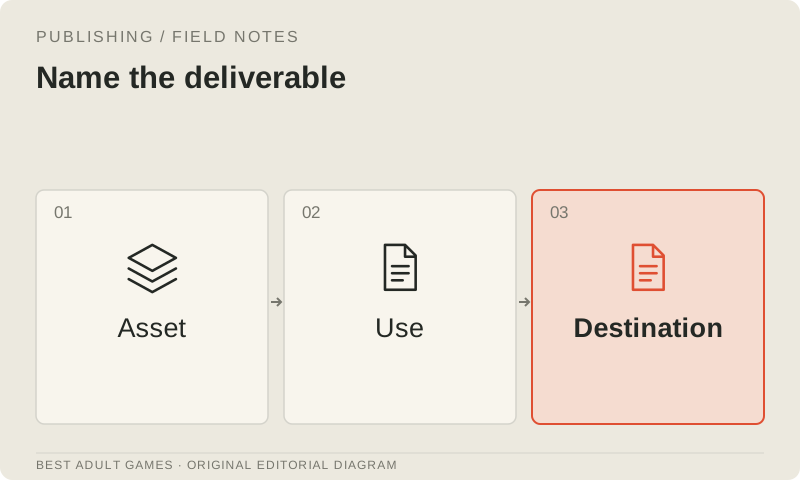
Specify what players will receive: a flat image, a rendered video, a sprite sheet or the original 3D data inside the game. Showing a character in a finished render and shipping that character's mesh and textures involve different uses of the asset.
Daz makes this distinction in its interactive licensing guidance, which covers original 3D content used in interactive applications. Check the license available for each product. Permission to use a rendered image does not establish permission to distribute the mesh in a game runtime.
Build a register that can answer questions
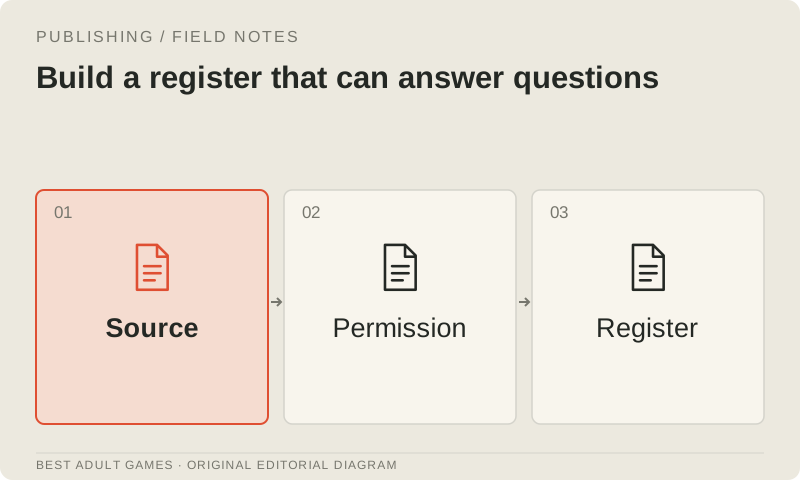
For every third-party item, record its identifier, supplier, exact product or version, source URL, purchase receipt, license file and intended use. Include any required attribution and where it will appear. Keep that record attached to the asset even when you rename it or merge it into a scene.
Record collaborators' contributions too. Their contracts should specify the deliverable, permitted uses, source-file handover and attribution. Voice recordings and reference photographs need their own permissions. Permission to use an art file does not, by itself, establish permission to use someone's voice or likeness.
Review AI inputs and outputs separately
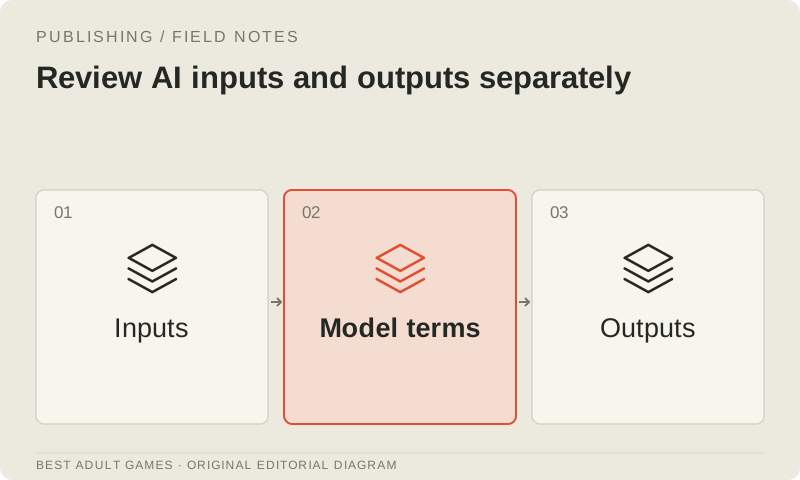
An AI workflow may involve a base model, adapter, reference image, provider service and custom node, each with different terms. Check permission to operate or fine-tune the weights separately from permission to use the outputs. Keep track of both when deciding whether the workflow fits your project.
A download button, community label or public model card is not enough on its own. Save the exact license and content-policy references. A permissive-looking badge on a derived model cannot resolve incompatible upstream terms; check the conditions inherited from the models and other material it depends on.
Handle ambiguous terms before production
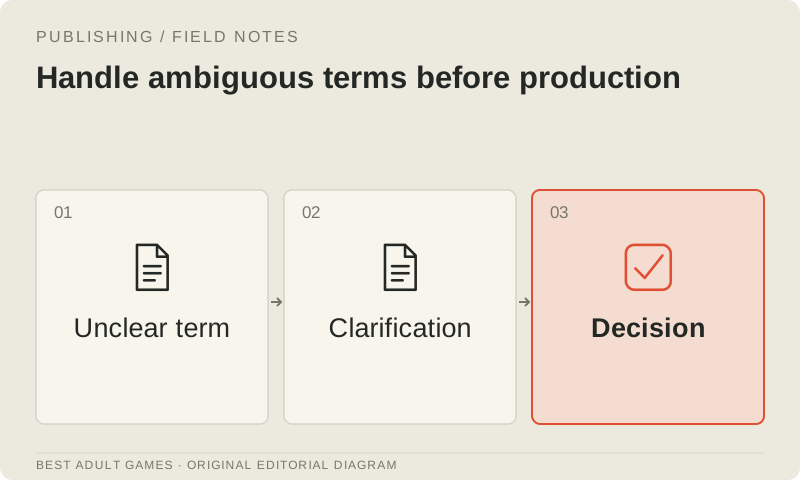
Mark unclear commercial, content, territorial or redistribution conditions as unresolved, and write down the specific question. Ask the supplier for current clarification or choose an alternative whose terms fit the planned use. Keep the correspondence with the asset's register entry.
An undocumented assurance from a tutorial or reseller gives you little to check later. Any project-specific approval should identify the product, intended use and conditions. An unanswered question remains unanswered, even after the asset has become the star of your prototype.
Check the release package
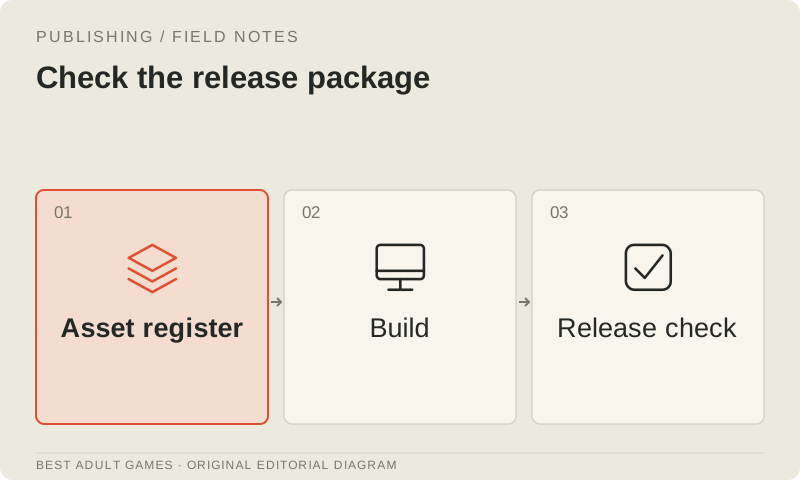
Inspect the actual build for source meshes, textures, fonts, audio and development files that slipped into the package. Confirm that required notices and credits are included, then compare the package with the register. Screenshots cannot show every file you are distributing.
Archive the rights record with the release revision. Recheck permissions when you change storefront, commercial use, content scope or asset version. An organized record makes it easier to see what an update requires and which assets need replacement before they hold up the release.
Key decisions
- Check software and imported-asset terms separately.
- Record whether you ship rendered output or original runtime data.
- Check the exact terms for models, adapters, inputs and hosting.
- Audit the release package and archive its rights record.
Guide files
License register ↓External model communities and publishing sites may contain explicit material. Source links open in a new tab; this guide does not load their previews.
Sources & further reading +
Last checked 5 October 2026.