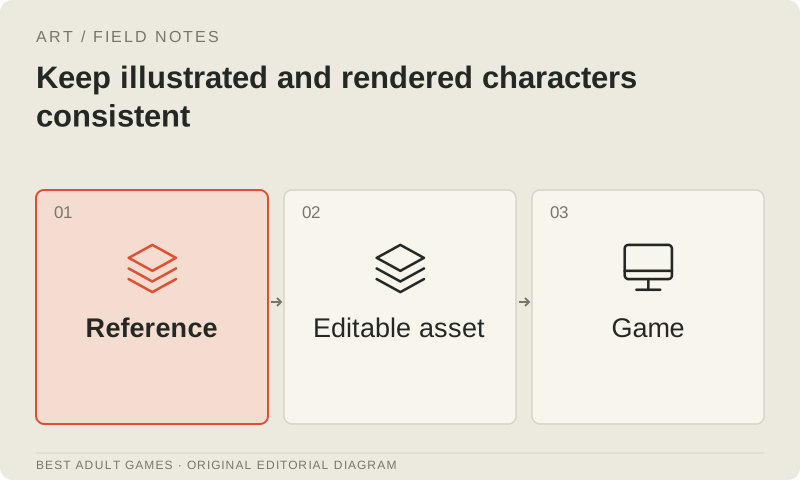
A character can look gorgeous in one portrait and become a stranger when the camera moves. Keep proportions, facial structure, palette, clothing and presentation tied to one approved reference. A lovely first image is only the start: that reference needs to carry you through the rest of the game.
Apply the same standard to illustrations and rendered assets, from a dialogue sprite to an intimate scene. The AI reference guide adds controls for generated imagery. In every workflow, a reviewer should be able to tell an intentional change from accidental drift in the character's identity.
Approve a reference sheet
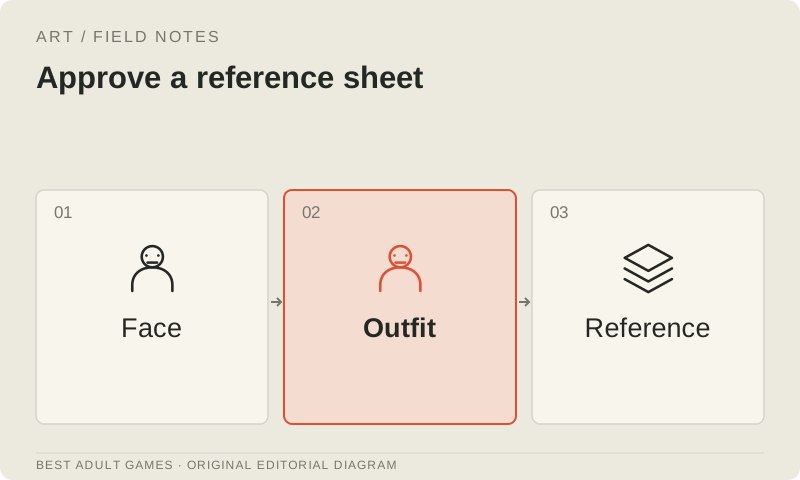
Create front, side and three-quarter views, a neutral expression and the key expressions the game needs. Specify clearly adult characterization, distinctive proportions, hairstyle, palette, clothing construction and recurring accessories. Use original or properly licensed material throughout.
Include a full-body silhouette and a portrait at the sizes used in the game. A face that reads beautifully when enlarged may lose its distinguishing features in a small dialogue sprite. Give the approved version a stable identifier so the next attractive variation doesn't quietly become a competing standard.
Separate identity from scene variables
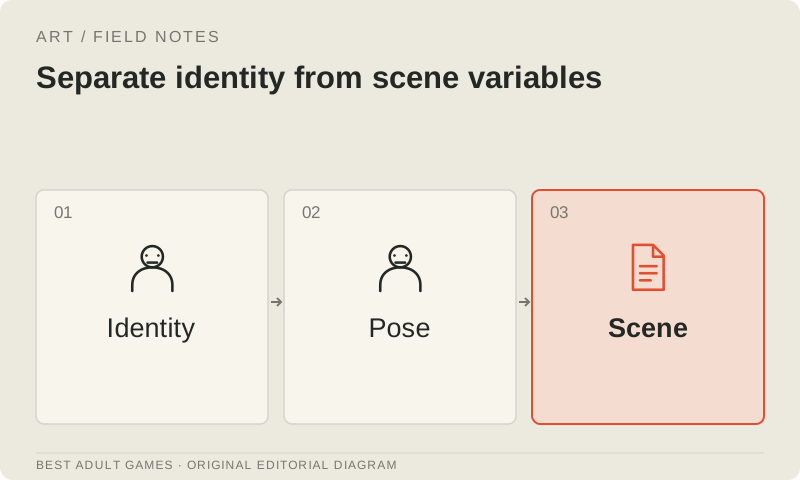
List the variables a scene may change: expression, pose, outfit version, lighting and camera. Keep face structure, height relationships and key colors stable. Costume details stay fixed within each named outfit. Put any deliberate exception in the scene brief.
For illustrations, keep editable layers and consistent pivots. For rendered characters, preserve the approved mesh, materials, rig and scene settings. A new pose should not arrive with a replacement face, altered body or unexplained material changes.
Build a small expression and pose test
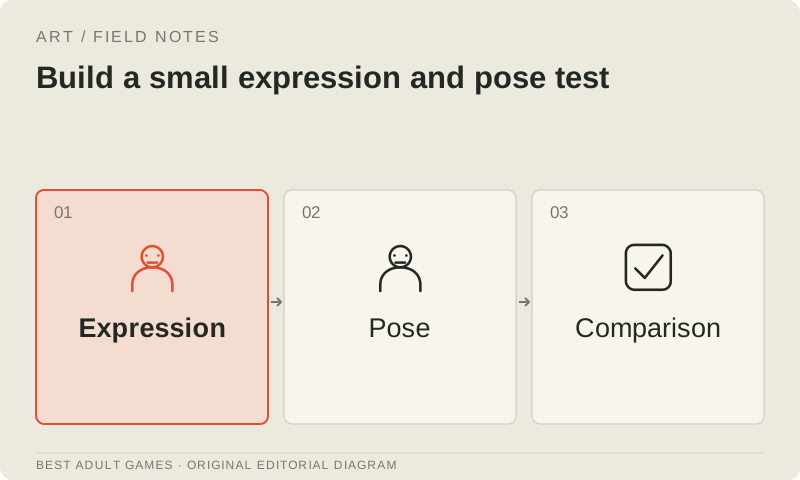
Before producing a whole scene library, make neutral, pleased, concerned and surprised versions of the same character, plus seated and standing poses. Compare them side by side on a common canvas with consistent camera framing. Check the silhouette, facial proportions, hands, costume details and accessories.
Switch between the assets as the game will, as well as comparing stills side by side. A slight shift in eye position can become a visible jump when an expression changes instantly. Keep the character's baseline, scale and anchor consistent unless the scene deliberately moves them.
Treat rendering as an editable workflow
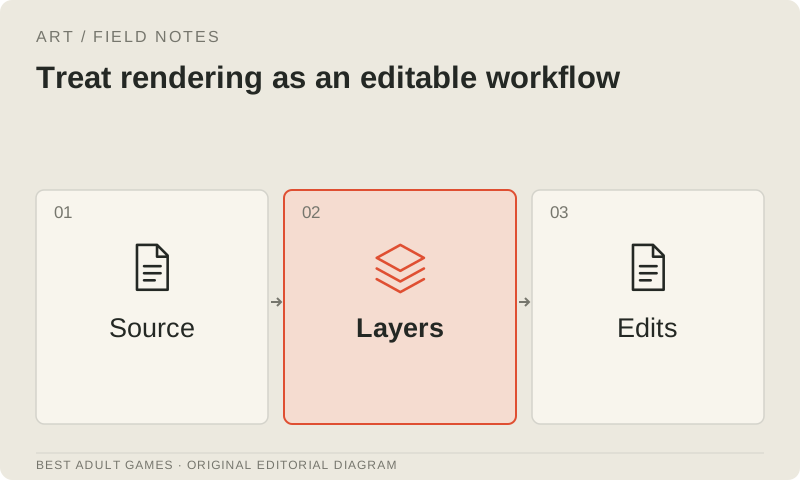
Use a shared scene or document the setup for lighting, camera, color management and output dimensions. Keep source files and linked resources together. Record the renderer and versions needed to reproduce important scenes.
Rendered Daz assets and original Blender assets may have different usage rights. Publishing a finished 2D render and distributing a 3D model are separate deliverables. Check permission for the intended deliverable before deciding whether characters will remain rendered images or become assets in a real-time game.
Define the correction process
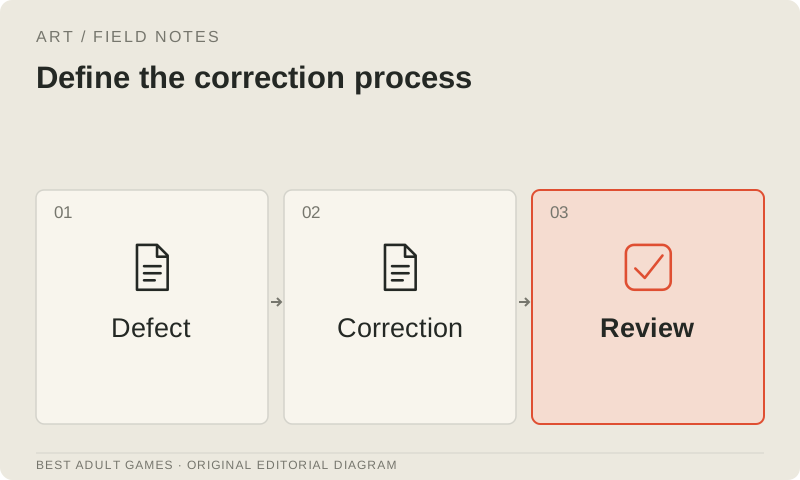
Give reviewers a short defect list: identify the affected asset, point to the approved reference and describe the expected correction. Separate identity errors from crop, color, expression and integration problems so the artist can reproduce the issue. Keep an approved revision available while testing alternatives.
If AI helps with eligible edits, check every accepted output against the same reference. A fixed seed alone does not guarantee identity across prompts, model versions or tools. Save the complete workflow and compare the time spent on corrections with the conventional route.
Check the game presentation
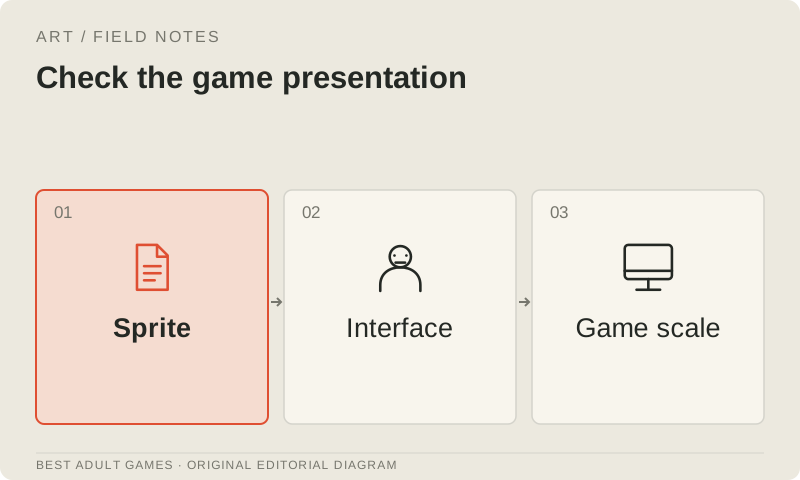
Load the asset into the actual dialogue screen or scene. Check text overlap, crop, scale, animation and contrast against representative backgrounds. Test the smallest supported screen and a scene with more than one character.
Approve the asset after integration, then archive its editable source alongside the export. The reference has done its job when you can build a new scene from it, review it against the same criteria and reproduce it after an update.
Key decisions
- Choose one approved reference and name deliberate variations.
- Compare expressions and poses together at game size.
- Keep the relevant editable layers or 3D scenes with each export.
- Approve assets in the game using the same identity criteria.
Guide files
Character specification ↓Asset register ↓External model communities and publishing sites may contain explicit material. Source links open in a new tab; this guide does not load their previews.
Sources & further reading +
Last checked 5 October 2026.