A choice matters when the story remembers it. This beginner project follows two adult collaborators deciding how to open a studio, using a small passage graph, one stored decision and two endings. It needs very little artwork. Your first job is to make each choice lead to the intended result, then make that result survive a save and reload.
The download is Twee source for SugarCube. Compile it into playable HTML with Tweego and an installed SugarCube story format, or recreate the story passages manually in Twine. The sample has not been run in a Twine runtime here, so complete the testing steps below before publishing.
Choose the format first
Create a story in Twine, select SugarCube 2 as its story format and record the version you use. Keep its official documentation handy for macros, variables and saves. Harlowe examples use different syntax; copying them directly into SugarCube is a quick way to turn a simple scene into a debugging session.
In the downloaded source, lines beginning with :: introduce passages. StoryTitle and StoryData hold setup information. In Twine's editor, set the story title and SugarCube format, then create StoryInit and the six story passages using their exact names. Copy each body without its :: header and select Start as the starting passage. A .twee file is editable source; publish HTML for players.
Build the passage graph
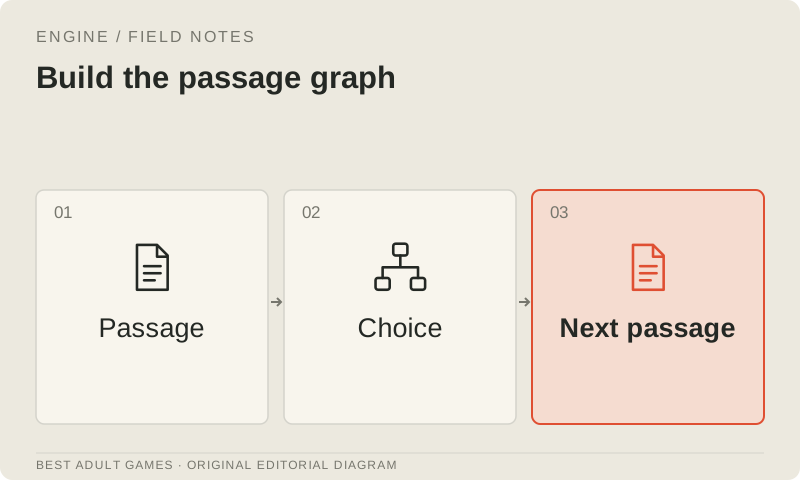
The sample initializes $sharedPlan to false. Start offers two responses: SharedPlan sets it to true, while SeparatePlan sets it to false. Both lead to Discussion, which checks the value and shows the link to SharedEnding or IndependentEnding. That is the whole graph: one decision with a visible consequence.
Give passages stable, distinctive names and check every destination in both the visual graph and the published build. A charming link label cannot rescue a misspelled destination. Keep the internal passage name separate from prose you may rewrite or translate, so a wording change does not break the route.
Keep state changes predictable
Use a named variable for one specific decision. Here, $sharedPlan records whether the player chose a shared plan; it does not have to stand in for every feeling between the characters. Set it where the choice happens and read it where the consequence appears. Keeping that relationship obvious makes a small story easier to extend.
Check what happens when a player revisits a passage. If displaying it adds a point, a repeat visit can award another point unintentionally. In larger projects, give one-time events their own rules and decide whether moving back through story history should undo their effects. Test reloads too, rather than assuming they behave like a first visit.
Design a readable page
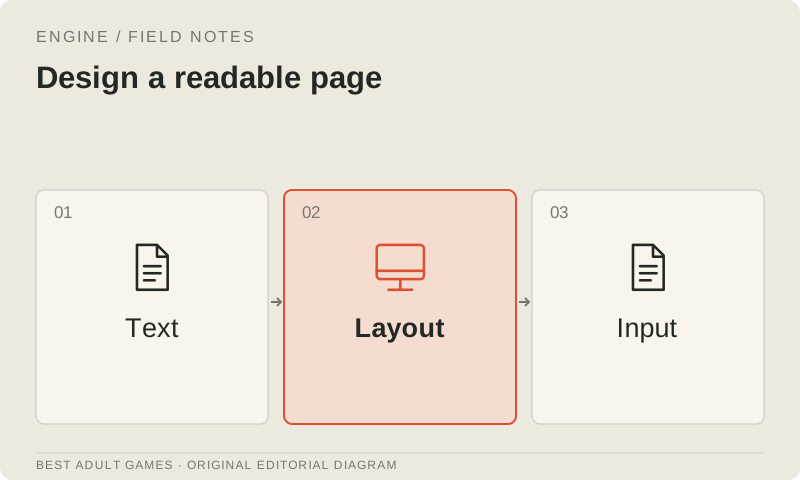
Start with the story format's default interface. Give the text a comfortable reading width, use readable type and make keyboard focus on links clear. Check paragraphs and choices on a narrow screen. A decorative overlay is little comfort when the player cannot find the next line; add elaborate backgrounds only after the reading flow works.
Keep settings, restart and save controls easy to find. Use more than color to identify available links or important state, so the page stays understandable when a color cue is missed. If you add audio or motion, provide controls and start quietly. Let players choose when the soundtrack or animation joins the scene.
Publish and test persistence
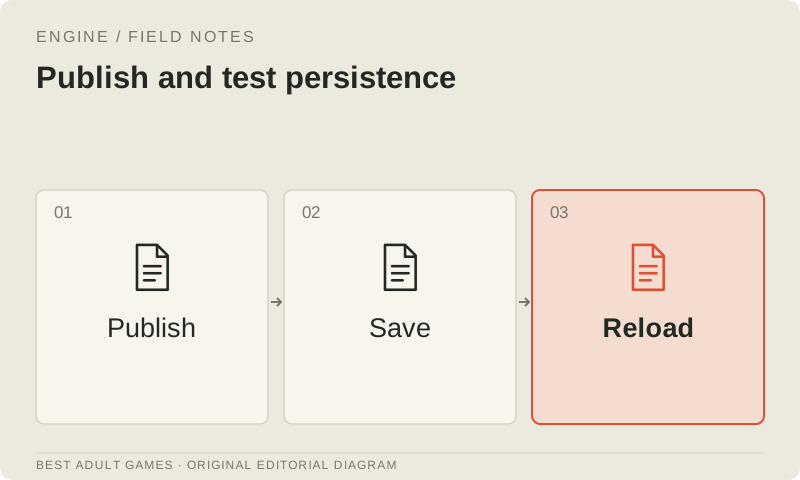
Publish through Twine, or compile the source into HTML with the selected SugarCube format, then serve that file through your intended host. Test it in the browser and at the site origin players will use. Browser storage is tied to its context, so a successful local save does not settle how the hosted version behaves.
Save before the decision and again after it. Close the page, reopen it and load each save, checking that the remembered choice and available ending are correct. Repeat the test in a fresh browser profile, creating new saves there. Check private browsing, cleared storage and embedded delivery separately. Describe any limits you find; browser settings and hosting behavior can prevent saves from persisting.
Prepare an update path
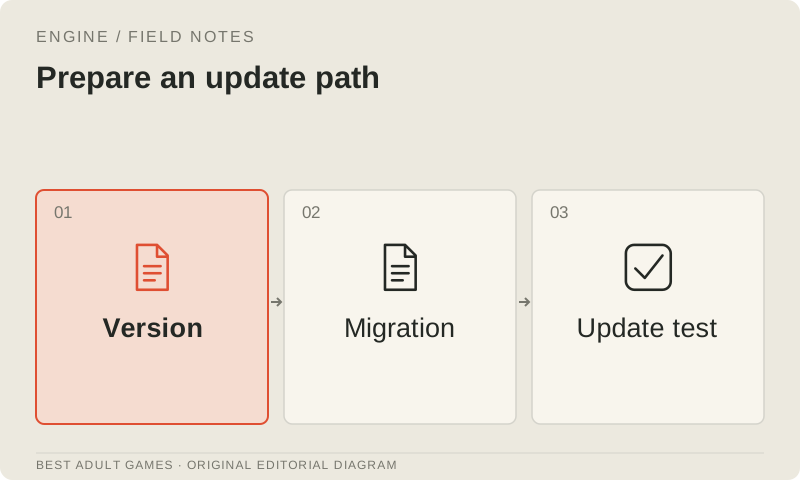
Keep the editable source under version control and archive every published HTML release. Record the SugarCube version, passage changes and representative save files so you can check an update against the previous build. Decide whether updates will support existing saves. If players must restart, explain that requirement before they load the new release.
Play each ending from a fresh start and check every link with a keyboard and, where relevant, touch controls. Use the route test matrix to record expected and actual results. You are ready to move on when the story reads clearly, its state behaves predictably and you can repeat the publishing process. Consult the route-state guide before building a large web of branches.
Key decisions
- Select SugarCube 2 before writing SugarCube macros.
- Keep the Twee source; publish playable HTML.
- Test repeat visits, saves and reloads on the intended host.
- Keep passage names stable and archive published releases.
Guide files
SugarCube Twee sample ↓Route test matrix ↓External model communities and publishing sites may contain explicit material. Source links open in a new tab; this guide does not load their previews.
Sources & further reading +
Last checked 5 October 2026.