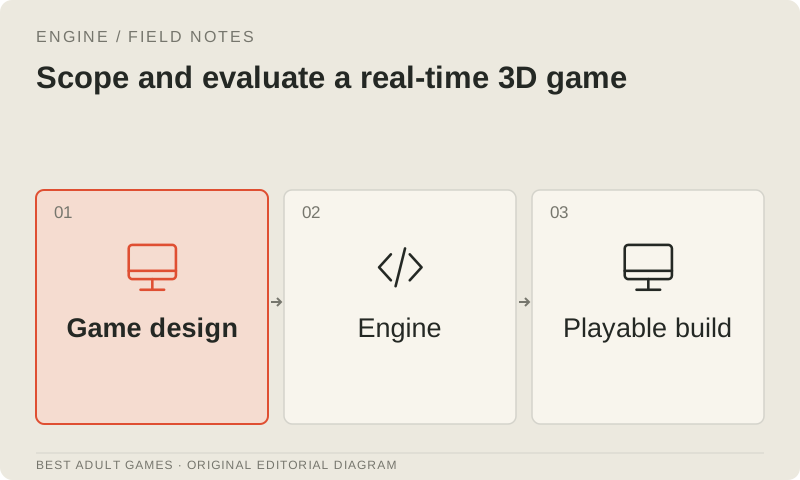
A good-looking 3D preview covers only part of the job. Asset preparation, animation, interaction, rendering and performance still have to work together. Start with a small playable environment before the production depends on a particular engine or asset service.
Compare Godot, Unity and Unreal against the work your team needs to do. The tool tiers describe workflow fit. Use the same assets, camera, interaction and target device, and record engine versions and settings so the comparison can be repeated.
Write a representative scene specification
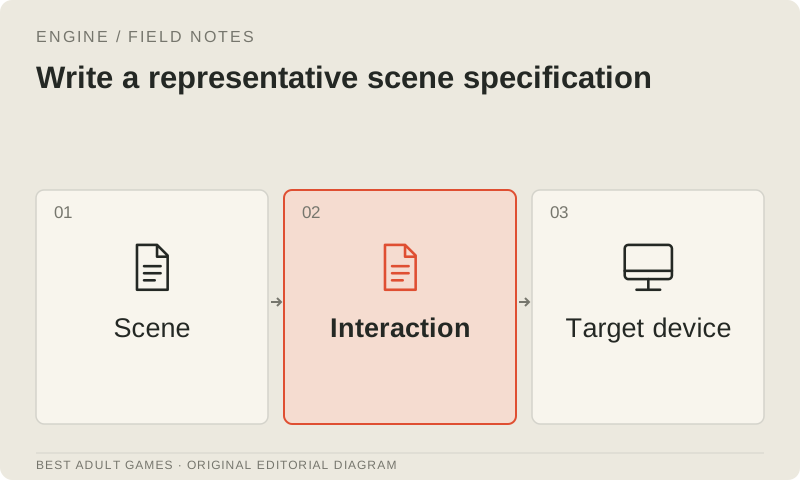
For the engine trial, choose one room or bounded environment, one character and one interaction that matters to the game. Write down camera behavior, input, collision, animation, dialogue and the state change the interaction should produce. Specify player settings and what a save must preserve.
Choose an approved visual reference and set an early performance budget. Name the smallest supported device and the expected screen resolution. A desktop cinematic can look lovely without establishing whether a mobile interactive scene will run acceptably.
Evaluate authoring and runtime together
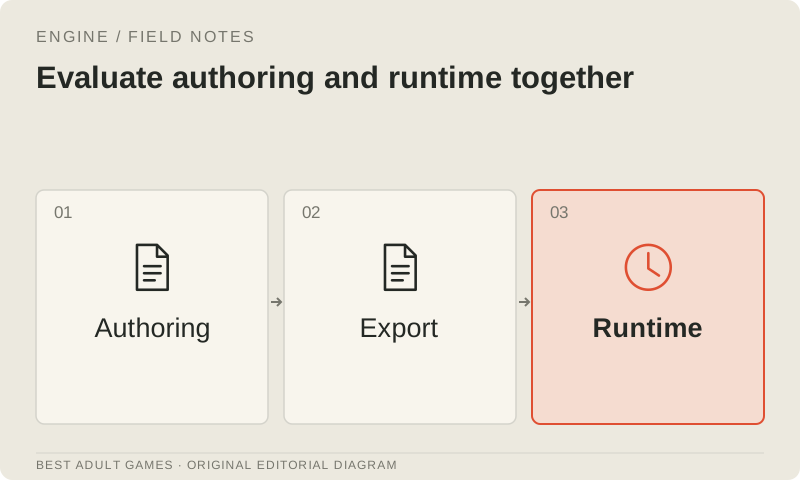
Build or import the same scene in each engine you are seriously considering. Assess the everyday work: how writers edit dialogue, artists replace a material and developers inspect state. Record the packages or integrations each route requires and the work needed to maintain them.
Test a packaged build as well as the editor, with a matched camera and workload. If one candidate uses different lighting, effects or asset quality, document that difference before comparing performance. Otherwise, an unequal visual specification can masquerade as an engine result.
Prepare game assets deliberately
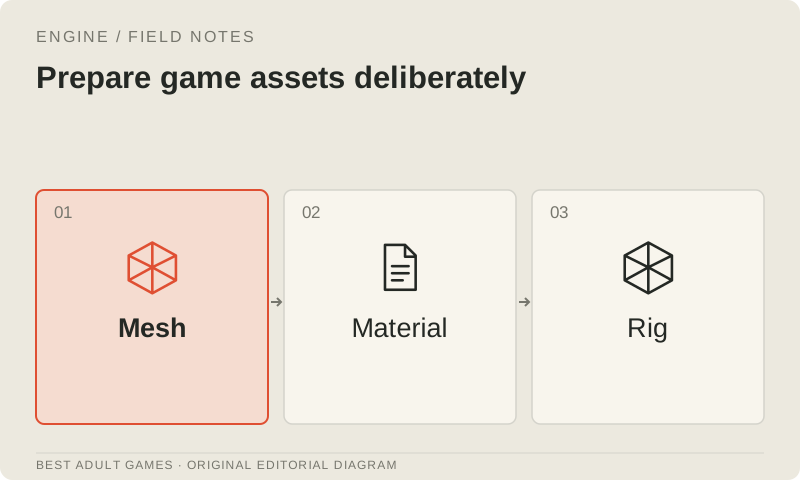
Check units, orientation, topology, UVs, materials and naming before accepting an asset. Separate collision from visual geometry where appropriate. A character also needs a rig, skin weights and animation suited to the runtime. A convincing surface is only the beginning.
Keep editable Blender or other source files alongside the exported asset so revisions have an obvious starting point. Apply the same acceptance checks to generated and authored meshes. The generated-mesh guide covers retopology, texture inspection, rigging, LOD and GLB/glTF handover.
Make interaction and animation observable
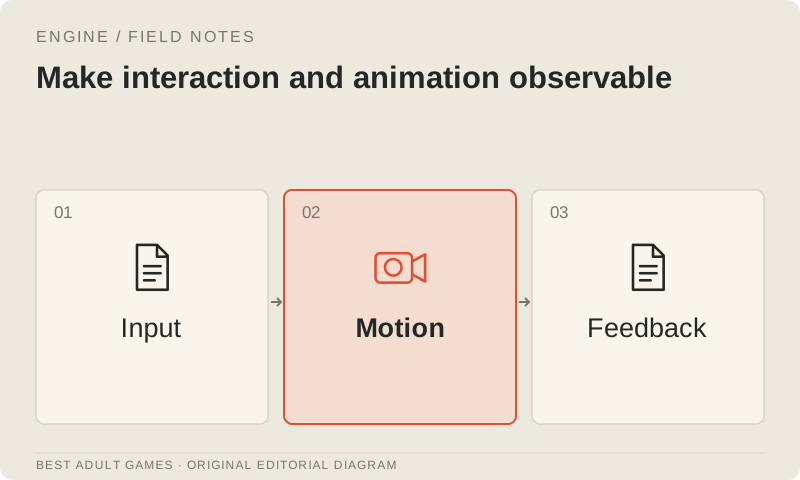
Keep gameplay state and visual presentation responsibilities clear. Define which system decides an interaction, which animation represents it and what happens if the player interrupts. Important progress needs a reliable trigger; an animation event that can silently be skipped is a poor place to put it.
Expose the current state, active animation and target in development diagnostics. Test transitions between movement, conversation and interaction, including repeated input. An attractive idle preview is the easy audition. The character still has to enter and leave these interactions reliably during play.
Measure the actual bottleneck
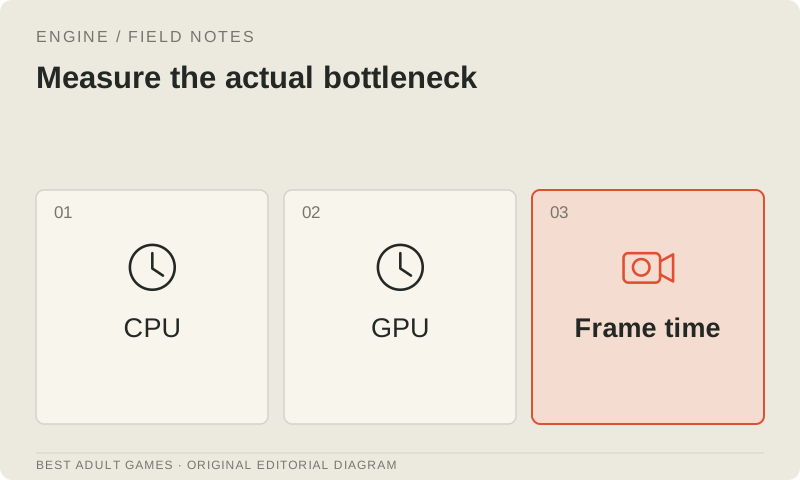
Profile representative scenes with the intended renderer and devices. Separate simulation, animation, draw workload, texture memory and loading costs so you know what needs attention. Change one candidate setting at a time and compare the result against the approved visual reference.
Treat LOD, compression and simplified effects as candidates to test, with a visual acceptance check and runtime measurement for each. Define fallback behavior for unsupported features. A desktop browser benchmark cannot establish how the game performs on a physical mobile device.
Choose a maintainable production route
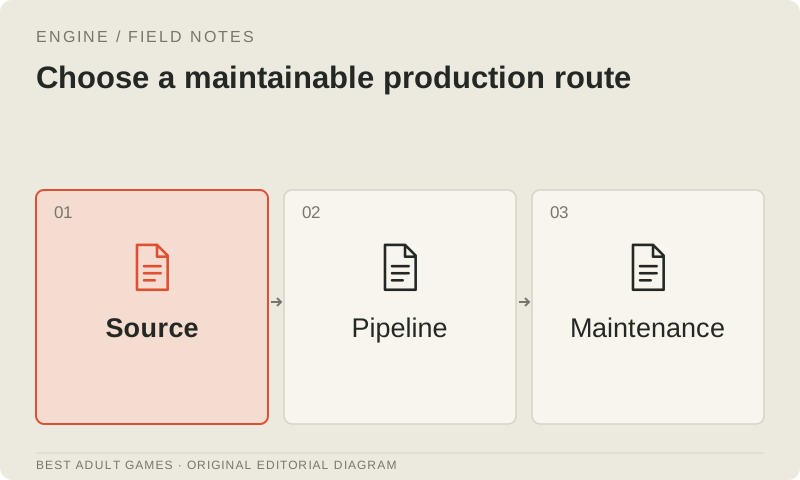
Record the engine decision, required integrations, asset acceptance process and build steps. Test a clean checkout and a replacement asset. Verify that another contributor can reproduce the scene and its export; a production route needs to survive a change of hands.
Expand the environment once the interaction loop, asset handover and target-device performance budget work together. Choose the engine your team can use to ship the planned experience within the project's constraints, and keep the same checks as the scope grows.
Key decisions
- Compare engines with the same scene, workload and target device.
- Apply topology, rigging and runtime checks to generated meshes.
- Test animation transitions, repeated input and interrupted interactions.
- Check visual quality alongside every optimization measurement.
External model communities and publishing sites may contain explicit material. Source links open in a new tab; this guide does not load their previews.
Sources & further reading +
Last checked 5 October 2026.