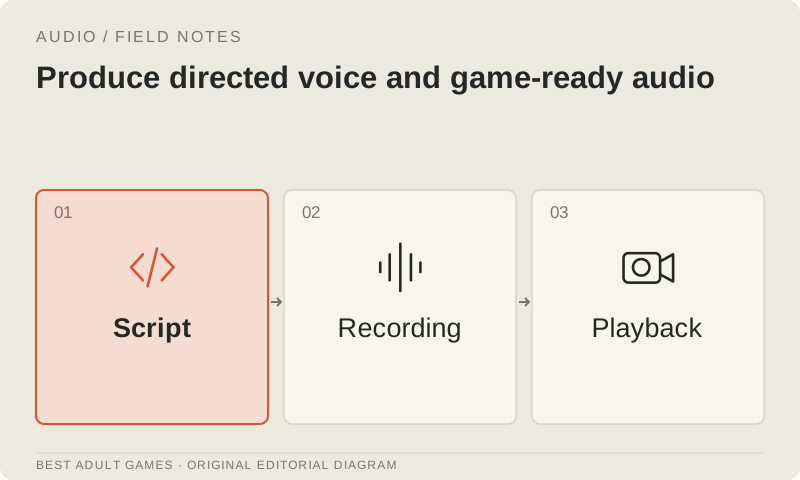
Good voice work starts before anyone presses Record. A clean take can still miss the performance, timing or context the scene needs. Set the direction and permissions, then give performers or an eligible voice service a settled script and file specification before commissioning a large batch.
AI voice assistance can help with permitted prototypes or approved production work. It does not replace consent or guarantee that a provider accepts every adult script. Check the exact use policy, rights included in your plan and permissions for the voice you intend to use.
Prepare a recordable script
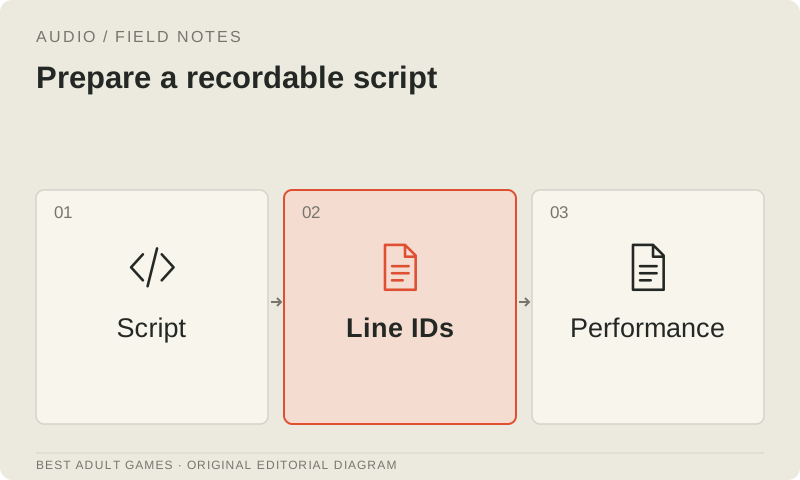
Give every line a stable identifier, speaker, scene, delivery intent and pronunciation notes. Mark alternate takes and record pronunciation decisions. Freeze the script revision for each recording batch; an actor should be able to work through the scene without chasing text that changes between takes.
Include enough surrounding dialogue for the performer to understand the exchange. Explain what triggers each line, whether the game can interrupt it and how much timing flexibility you need. Keep dialogue text and audio identifiers connected through localization and later updates.
Agree rights and deliverables
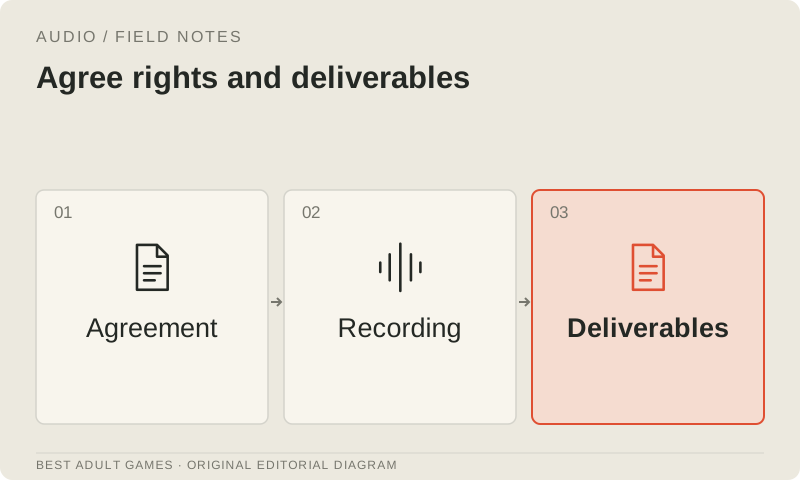
Agree the permitted product, uses, distribution, attribution and source-file handover. Cover later revisions and additional languages. State explicitly whether the agreement permits voice training or cloning: permission to record a performance does not, by itself, grant permission to create a synthetic version of that voice.
Use original, licensed or explicitly consented voices and material, and keep the correspondence and agreements in your rights register. Permission to use a character illustration or script does not automatically include permission to synthesize a performer’s voice. Check each permission against the work you plan to do.
Record a representative scene
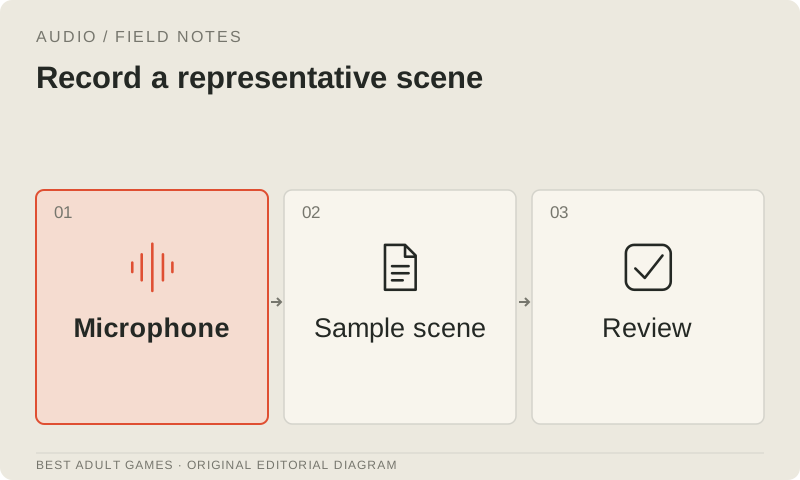
Record a small, representative scene to test microphone position, room noise, levels and direction. Keep the unprocessed recordings and mark the accepted takes. Settle these conditions early and keep them consistent across sessions to reduce correction work later.
Listen on ordinary headphones and speakers as well as your editing setup. Check intelligibility, clipping, distracting noise and differences between speakers. If a problem is easier to fix during recording, correct it there before reaching for aggressive processing. An editing session should not become a rescue mission for every line.
Edit for the game
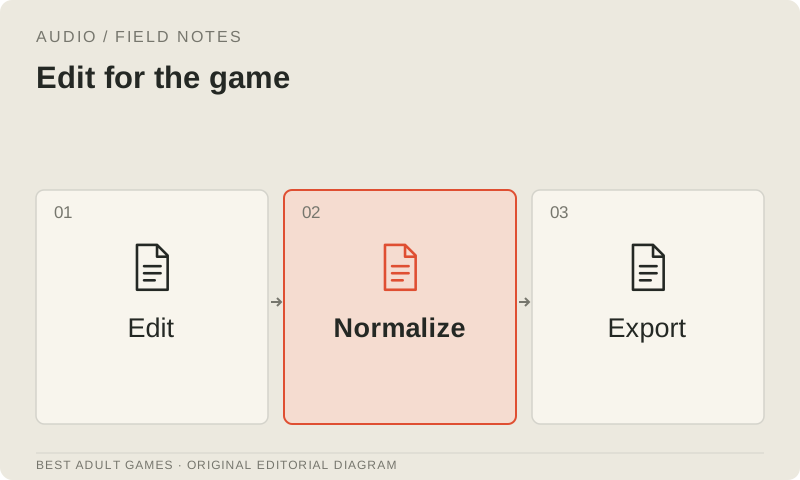
Use Audacity for basic recording and editing, or REAPER when substantial recurring production work justifies a fuller environment. Keep raw recordings and editable session files separate from shipping exports. Document the game’s expected loudness and file format so every export has a clear target.
Trim consistently, preserve natural timing and match that specification. Check transitions between lines, dialogue playing alongside music and sound effects, and how a line sounds on repeated playback. Export stable filenames tied to line identifiers so each recording can be matched to the correct text.
Evaluate AI assistance within its terms
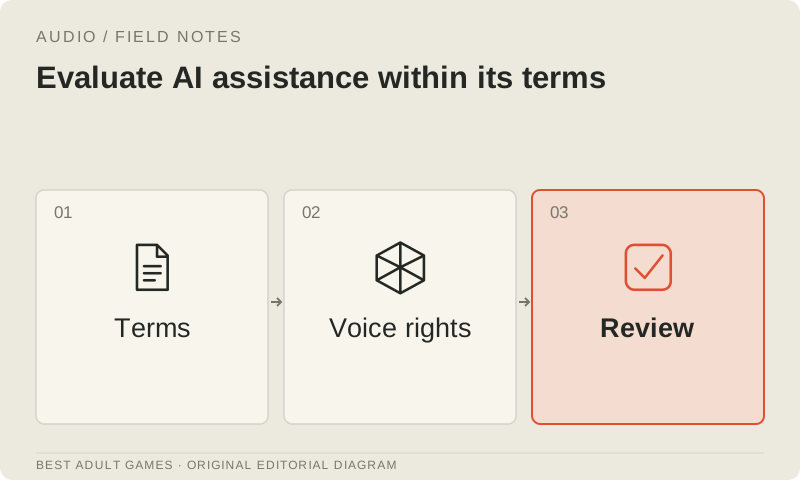
Before using a hosted voice tool, check commercial rights for the actual plan, its content policy, permissions for the voice and how it handles input data. Do not assume ElevenLabs will accept an adult script. If the applicable terms leave your project's eligibility unclear, resolve it with the provider before sending the script.
Compare a small, permitted sample against the performance you need. Count take selection, pronunciation corrections and editing effort in the cost. A fluent preview can still miss the character’s direction or fail to stay consistent across a long dialogue batch; judge the work the scene actually requires.
Integrate and review
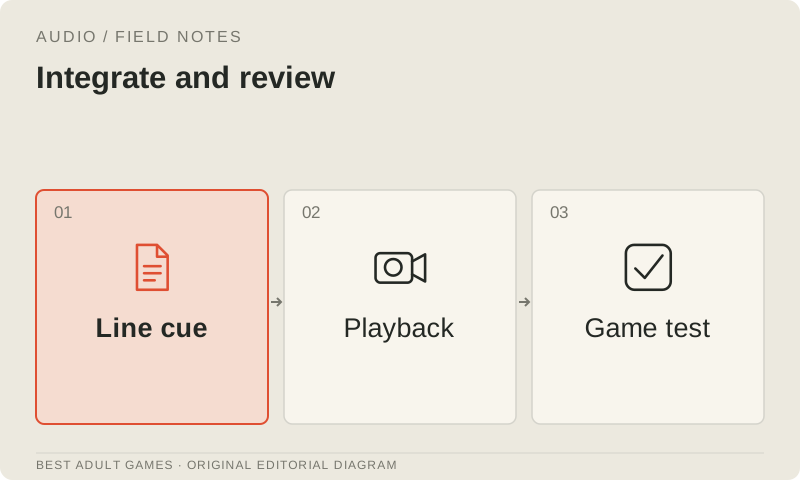
Play the voiced scene in the packaged game. Check text timing, interruption, replay, volume controls, mute and the fallback when audio is unavailable. Verify that localization selects the correct recording and that loading a save does not unexpectedly replay a cue meant to happen only once.
Archive scripts, raw takes, editing sessions, final exports and permissions together. Keep a correction list that names the line identifier and exact defect. When a chapter needs new dialogue or a line needs replacing, you should be able to find its source without auditioning a folder full of mystery files.
Key decisions
- Give each line a stable identifier and clear scene direction.
- Agree recording rights and get explicit permission for any voice cloning.
- Keep raw recordings and editable sessions alongside final exports.
- Test the packaged scene and check the provider’s exact conditions.
Guide files
License register ↓Asset register ↓External model communities and publishing sites may contain explicit material. Source links open in a new tab; this guide does not load their previews.
Sources & further reading +
Last checked 5 October 2026.