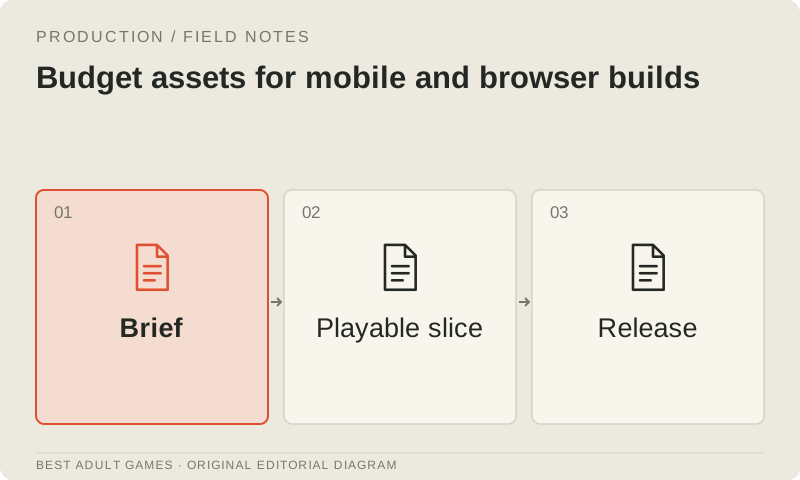
A visual novel can be demanding even when little moves on screen. Large character portraits, backgrounds, clips and audio all contribute to download time, storage, decoding and memory use. Real-time scenes add animation, lighting and rendering work. A still scene deserves a budget too.
Start with the approved appearance and a budget for the target devices. Browser emulation can reveal layout problems, but physical-device performance needs physical-device tests. For every performance claim, record the device, browser or runtime, build and test conditions so the result can be repeated.
Choose representative scenes and devices
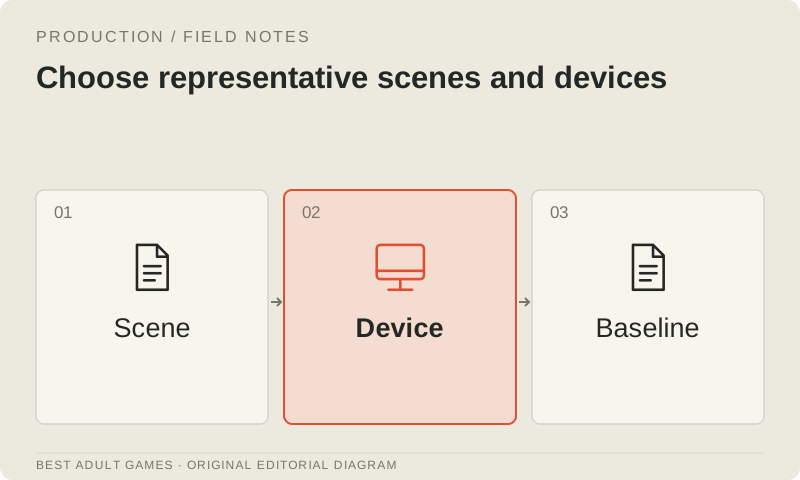
Choose a quiet scene, one with several large assets, a sequence with frequent transitions, and any video or real-time segment. Specify the minimum supported device and a common device. Include the smallest screen on which players must be able to read text and make choices.
Measure a cold start, repeat launch, scene transitions and sustained interaction. Keep the first asset download separate from cached runs. Record missing textures, slow decoding, input delay and reloads as failures in their own right; an average frame rate can leave these problems invisible.
Measure the delivered asset budget
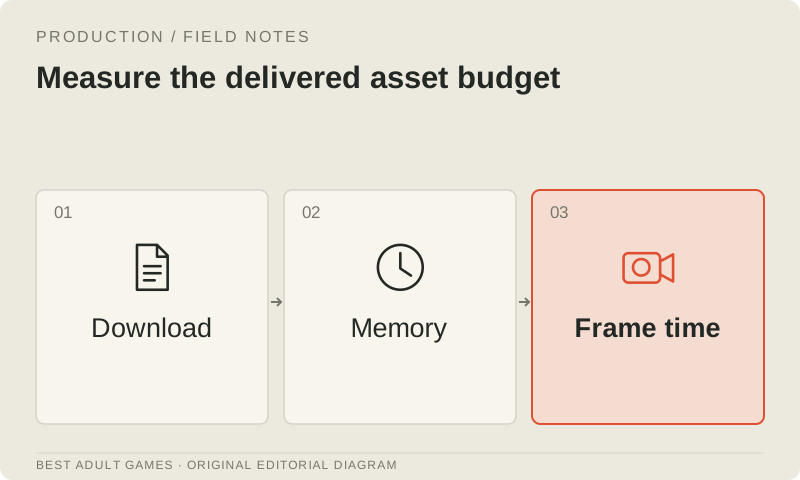
For every shipping asset, record export dimensions, file size and how many assets may sit in memory together. Download size does not tell you how much memory a decoded image will occupy: compression can make the file far smaller. Keep editable source files separate from the exports delivered to players.
Match export size to how the asset actually appears on screen. Compare candidate formats in the target runtime before converting the whole library, and check transparent edges, gradients, text and faces against the approved artwork. A smaller file is little consolation if compression ruins the character close-up.
Treat video as its own load
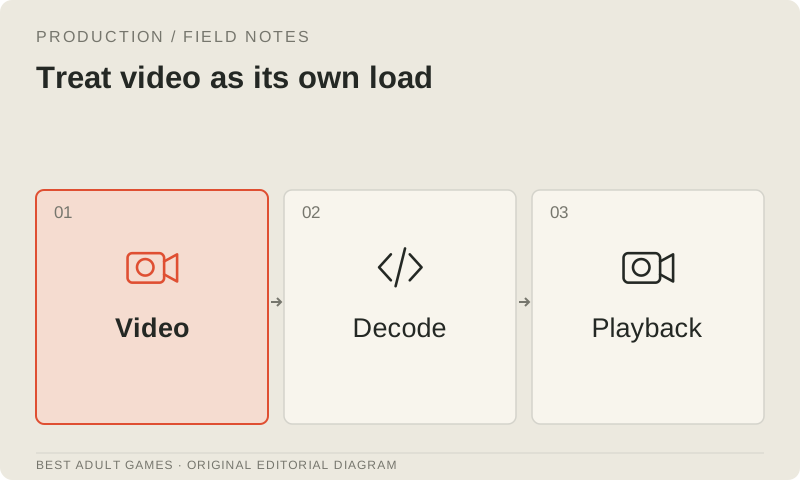
Give video a separate entry in the budget. Record resolution, duration, encoding, bitrate, audio and whether each clip preloads. On the target device, test startup, looping, pausing and the fallback. Playback in a desktop editor does not establish how the clip behaves in a browser or packaged mobile build.
Load the variations the scene needs instead of every variation at once. Where the design allows it, offer a poster or still fallback and give the player playback controls. Measure the full transition, including decoding and any artwork present at the same time; the exported clip's file size covers only part of the load.
Keep the interaction responsive
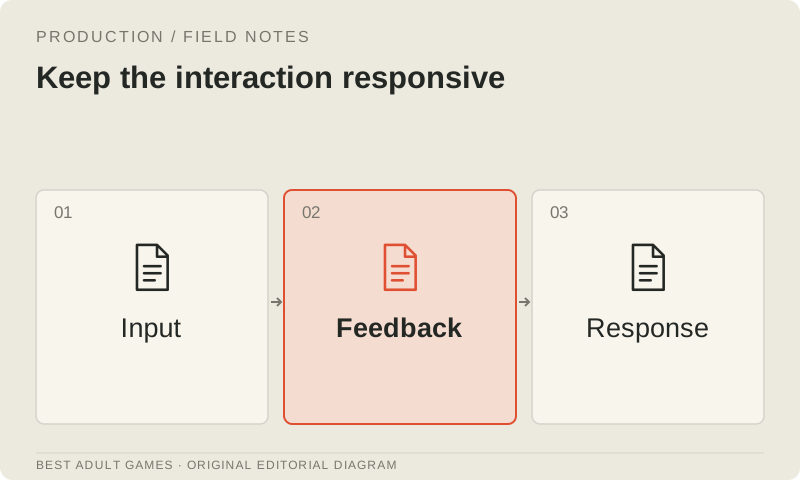
Make text legible and controls large enough to use. Test rapid navigation, resizing or orientation changes, changing settings during playback, and returning from the background. While an operation is pending, check that input is accepted only once rather than triggering duplicate actions.
For browser games, check keyboard, touch and focus behavior wherever relevant. A smooth scene still feels broken if an overlay hides the next choice or a transition silently blocks input. Treat visible feedback and reachable controls as part of responsiveness.
Test optimization candidates in isolation
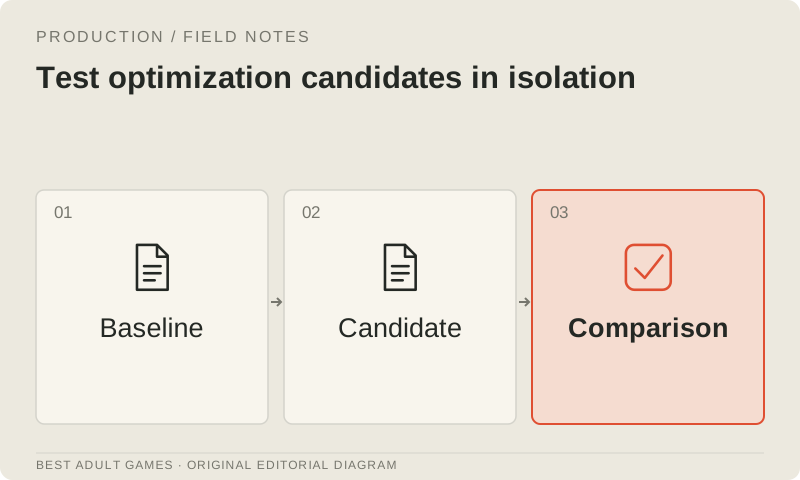
Change one relevant asset or rendering condition at a time and compare it with the reference. Record visual acceptance alongside the performance measurement. For 3D work, compare LOD, texture and lighting changes in the same scene with the same camera.
Keep the original available for direct comparison. A reduction in payload alone does not establish a performance improvement. Compression can change decoding or upload cost, and renderer changes can alter the look. Measure the metric connected to the defect you are trying to fix.
Set and enforce the release budget
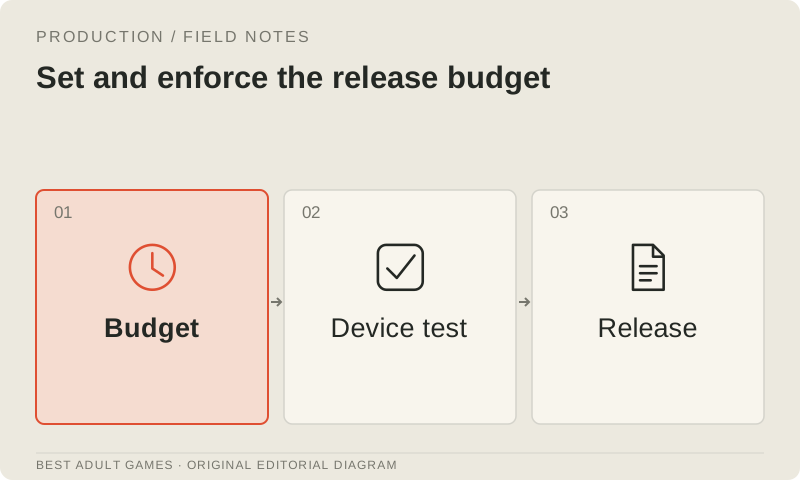
Use observations from the playable slice to set practical limits for delivered size, transition delay, memory failures and input responsiveness on the target devices. Recheck when a new chapter or asset type adds load. The budget should reflect what the build and devices can sustain.
Archive the device report with the candidate build and mark untested devices as unverified. Accept an optimization when it preserves the approved presentation and improves the intended experience under repeatable conditions.
Key decisions
- Track download size, decoded memory and rendering cost separately.
- Measure representative scenes on physical target devices.
- Compare one candidate change with the approved reference.
- Use emulation for layout checks and device tests for performance claims.
Guide files
Asset register ↓Device test matrix ↓External model communities and publishing sites may contain explicit material. Source links open in a new tab; this guide does not load their previews.
Sources & further reading +
Last checked 5 October 2026.