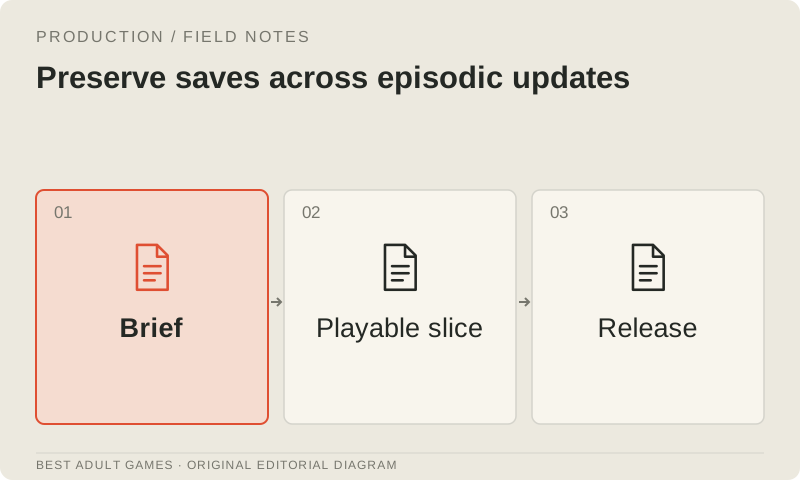
Players return for the next episode with routes chosen, scenes unlocked and time invested. Treat save compatibility as a feature you maintain with every release. Renaming state, removing scenes or changing serialized objects can break old saves even when a fresh playthrough runs correctly.
Engine save systems differ. Consult the reference for your exact engine version and record the versions involved. Use this guide to define your compatibility promise and test it; do not assume that a universal migration script can make every engine update compatible.
State the compatibility contract
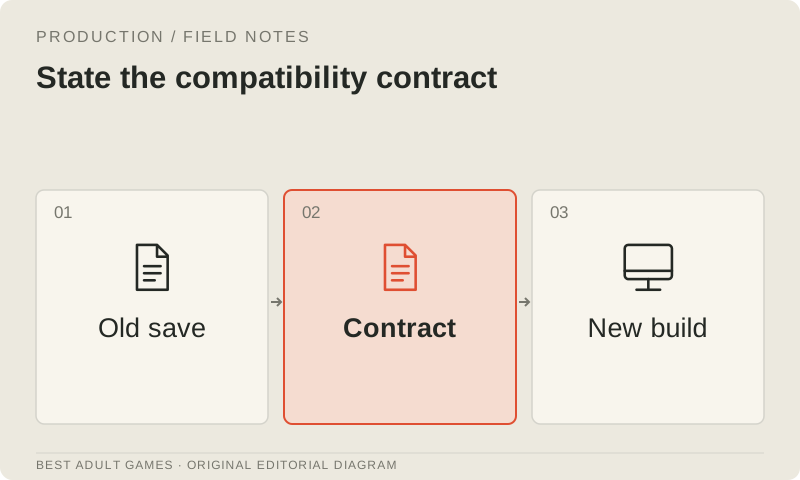
Decide which released versions the next build will support before changing the state it saves. Give ordinary saves, persistent unlocks, settings and exported browser saves explicit policies; they may need different treatment. Tell players in advance when a restart may be required.
Keep a release identifier and, when you control the save format, a schema version. Separate content progress from presentation settings and derived data. Before changing a persistent field, record what it means and its default value.
Prefer stable identifiers
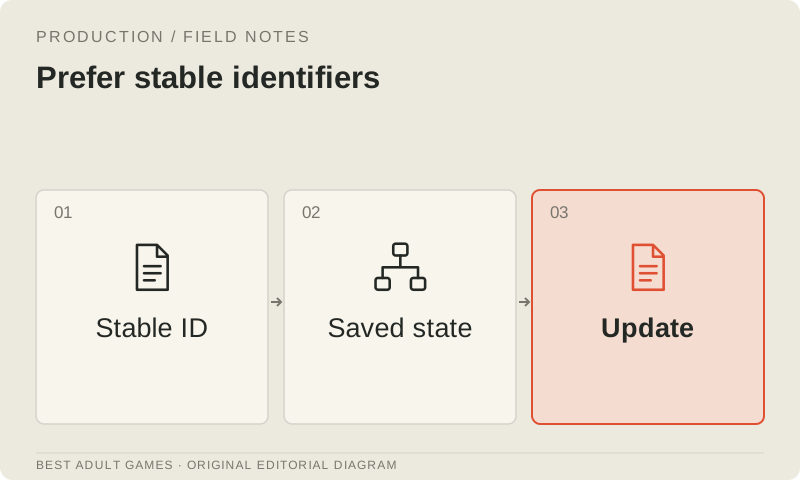
Give routes and scenes stable identifiers that survive rewrites and translation. Keep those identifiers intact for as long as you promise compatibility. If one must change, plan a migration or clearly mark the boundary beyond which older saves are unsupported.
If you own a custom save format, store plain data, document the schema and validate incoming data before using it. Engine-native saves may rely on different serialization rules. Follow the engine's guidance before replacing a reliable save facility with a homemade serializer.
Plan a migration before changing state
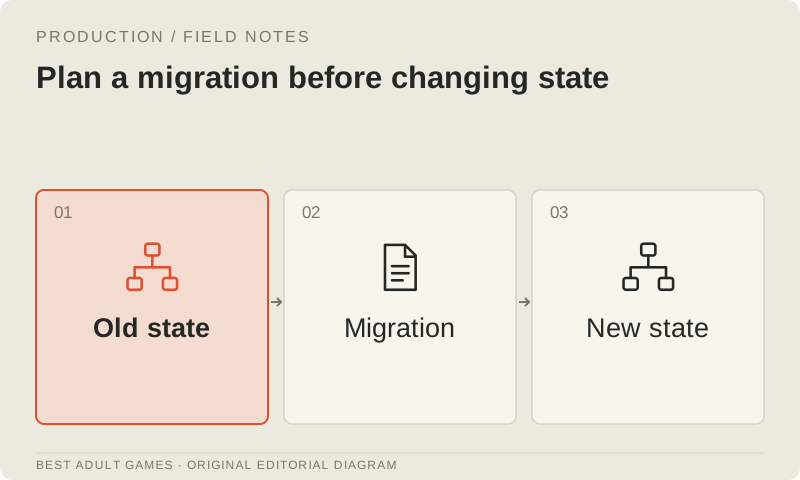
Write the migration plan before changing a field: the old field, the new field, the conversion rule and the fallback for missing or unexpected data. Keep migrations deterministic and repeatable where the format permits. An unrelated missing field should never award progress.
For Ren'Py, follow its save and rollback guidance and the compatibility notes that apply to your versions. For SugarCube, check the exact format version and save APIs. For custom Godot state, implement and test the schema you own. A rule that works in one system may not transfer to another.
Keep a representative save library
Build a save library that covers the start, points just before important choices, each major route and the approach to the ending. Include different unlocks, settings and older versions you still support. Use anonymized development states, and avoid collecting player data you do not need.
Test with copies, leaving the originals untouched. Record the release each save came from and the state you expect after loading it. Loading without an exception is only the first check: a save can still put a player on the wrong route, duplicate a reward or lose a setting.
Test an actual update
Test the packaged build through the update path players will actually use: install it or serve it as appropriate. Load an old save, continue through a meaningful scene, save again and reload. Check persistent progress and settings separately.
In browser builds, check the origin, storage behavior and embedded hosting context. A change of URL or storage context can affect access to existing data even when the game logic is unchanged. If you provide export and import, verify that recovery path and explain its limits.
Publish clear recovery information
Publish the supported update path, backup method and known compatibility limits where players can find them. Make the bug-report form ask for useful version details. If a release cannot safely preserve a category of saves, explain that boundary before a player overwrites their last good copy.
Archive the tested build, schema notes and save matrix alongside each release. Keep migration decisions linked to source revisions. Regular compatibility checks make the work easier to maintain and give you a chance to catch failures before players do.
Key decisions
- Name the supported releases and give each save category a policy.
- Keep stable IDs and document each field's meaning and default.
- After migration, check progression, then save and reload.
- Keep original saves safe and tell players how to recover.
Guide files
Test matrix ↓External model communities and publishing sites may contain explicit material. Source links open in a new tab; this guide does not load their previews.
Sources & further reading +
- Ren'Py save and rollback reference ↗
- Ren'Py incompatible changes ↗
- Godot saving games ↗
- SugarCube reference ↗
Last checked 5 October 2026.