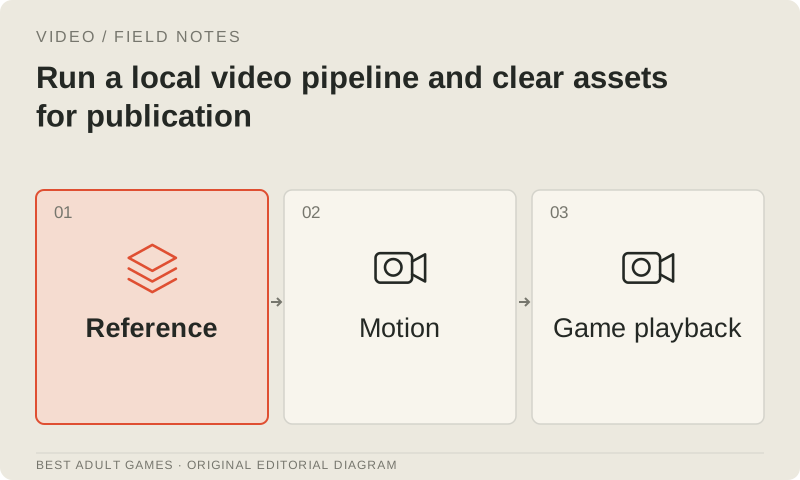
Running video inference locally gives a studio control over model files, workflow changes and job scheduling. It also puts compatibility, hardware planning, output review and licensing on the studio’s desk. The checkpoint is one piece of the job: encoders, VAEs, adapters, custom nodes and export tools affect whether the workflow runs and what comes out. Start with an official, documented configuration that you can reproduce before adding custom parts.
The goal is footage another developer can regenerate, inspect and maintain. This guide covers permitted non-explicit game footage, with no tested hardware benchmark or blanket clearance for commercial use. Check the current official terms and model documentation, then establish a baseline on your chosen machine before booking a batch. Local hardware gives you control of the run; adult-content policies and publication conditions still apply to the assets.
Build a license and destination record first
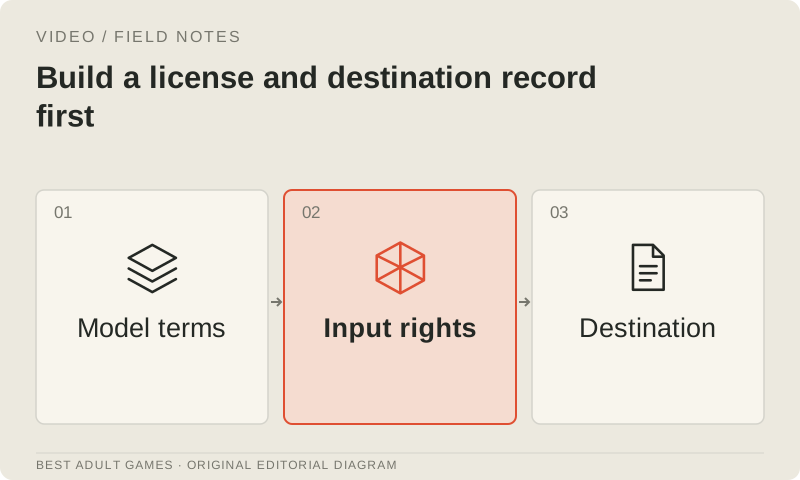
Make an inventory of the base model, text encoder, audio and video VAEs, adapters, and source images or recordings. Save the applicable terms with each version and date. A repository’s license label may cover the code while the weights and supporting models use different terms. AnimateDiff has its project scope and separate base-model terms; CogVideoX distinguishes smaller permissive releases from larger weights with a custom license. Check the exact package you plan to run.
Record both the inference location and the territories where the game or trailer will be distributed. MiniMax H3’s community license excludes the EU, UK, US and South Korea; HunyuanVideo 1.5 excludes the EU, UK and South Korea. Their output conditions also affect release planning. Check commercial thresholds, attribution and acceptable-use policy (AUP) requirements. If the terms do not cover your release, obtain the appropriate authorization or choose a compatible pipeline before rendering the batch.
Install a trusted, versioned configuration
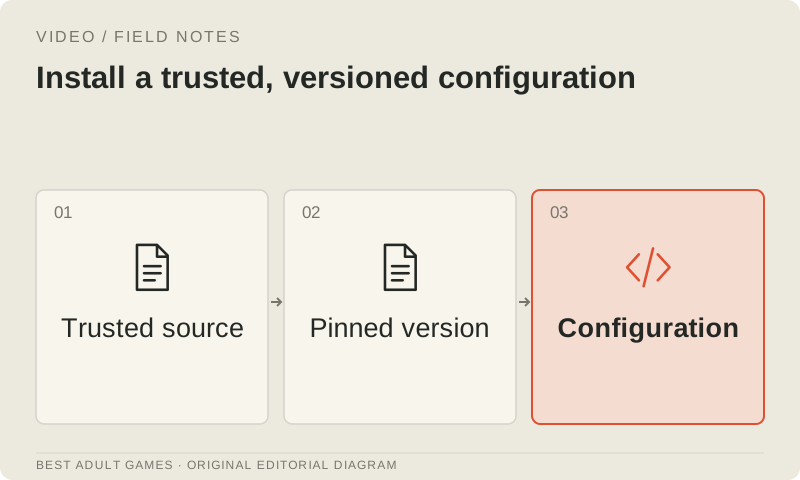
Download weights and supporting files from the official project’s documented destinations. Record filenames, hashes and repository or package revisions, and keep the environment separate from unrelated experiments. A dependency update for another project should not silently change this workflow. Review custom nodes and scripts before executing them, and check whether they run inference locally or call a remote API. Save the workflow graph and configuration with the asset record so the next run has a clear starting point.
Match components by release. Similar filenames are poor compatibility advice. Wan 2.2 has distinct task and size variants. LTX 2.5 uses a matched encoder and audiovisual components; its detailing refinement route requires a specific transformer, and older LTX adapters are not automatically interchangeable. HunyuanVideo’s standard and accelerated variants also need the correct components from the released-weight table. Start with the official example’s supported settings, change one thing at a time, and retain the working configuration.
Size the complete job, then prove it runs
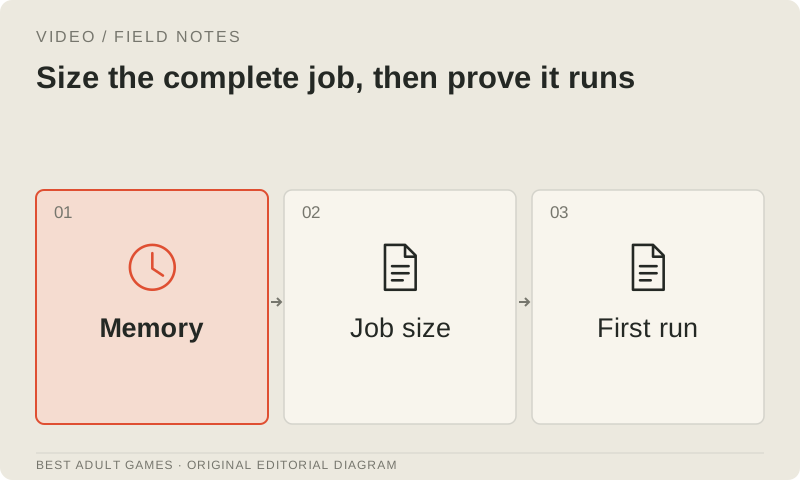
Read the requirements for your exact model, implementation, precision, duration and resolution. A minimum-memory claim from an unrelated quantized workflow cannot size this job. Account for GPU memory, system RAM, disk space and temporary decoded frames. MAGI-2 Preview’s official multi-Hopper reference setup is a very different deployment from a smaller Wan route. Community workarounds can suggest approaches to investigate, but need validation before you turn them into promises in a production schedule.
Run a short smoke job with a permitted input, keeping the logs and output. Confirm that every required component loads, the expected frames and sound are produced, and the result decodes and exports. Time the whole path from request preparation through encoding; diffusion time alone leaves part of the bill off the table. Record peak resource use where the tools expose it. Measure a warm run separately from a cold start, which may include downloads, compilation and model loading.
Evaluate accelerations against an approved baseline
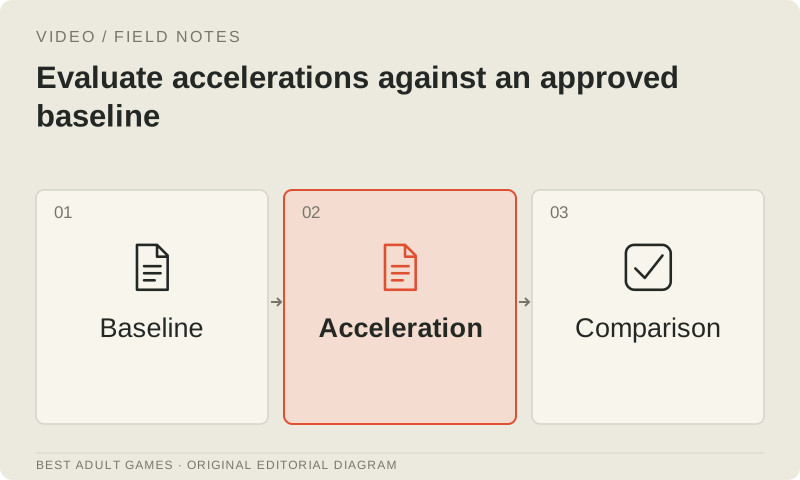
Save an accepted baseline before trying quantization, aggressive offload, fewer steps, compilation or another attention implementation. Give the candidate the same input and brief, recording the seed when supported. Watch the complete clip: movement, identity, texture stability, sound and export reliability all matter. One attractive frame can conceal a wobbly video. A change that raises throughput may also increase flicker or failed jobs, so judge it by the usable footage it produces within the schedule.
Keep a compact run table with model files, workflow revision, dimensions, duration, job time, resource use, failures and the art-review decision. Measure generation and game playback separately: speeding up the generator does not make the game decode its movies more efficiently. Set acceptance rules for each asset role, such as stable required character details, a clean loop seam and successful decoding in the target game. Revisit the baseline after a meaningful model or workflow change.
Bound batches and protect editable sources
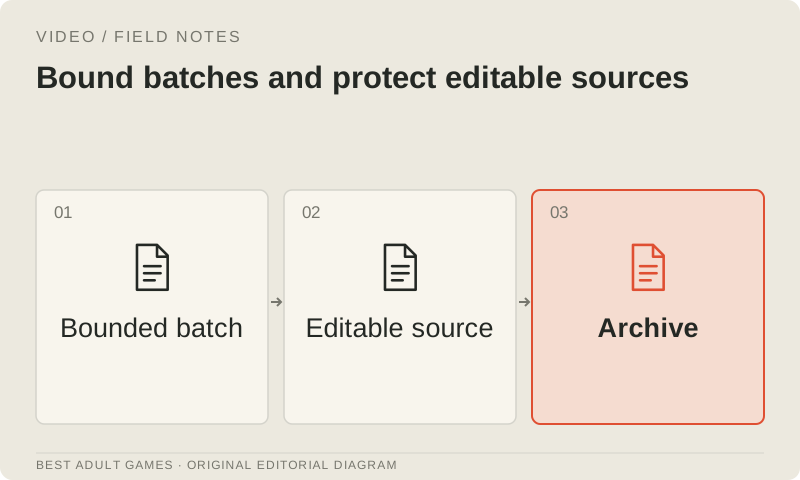
Give each batch a finite queue, a maximum retry count, a spending limit for rented compute and a clear stop condition. Use unique asset and take identifiers, and mark a job complete only when export has finished. Retain failed jobs and concise diagnostics long enough to spot recurring problems. When the same input keeps breaking, inspect the workflow or brief before granting it more retries. A folder full of unusable clips is still an unfinished asset.
Keep approved source art, scripts, reference recordings, selected masters and an editable finishing project. Store the generation record beside the delivery asset: model version, license snapshot, settings, source IDs, edit steps and reviewer decision. Training or fine-tuning should not become a substitute for a clear character package. If adaptation is justified, clear the dataset, adapter license and base-model terms separately. Retain any required safety and provenance features when adopting someone else’s package.
Review publication and playback together
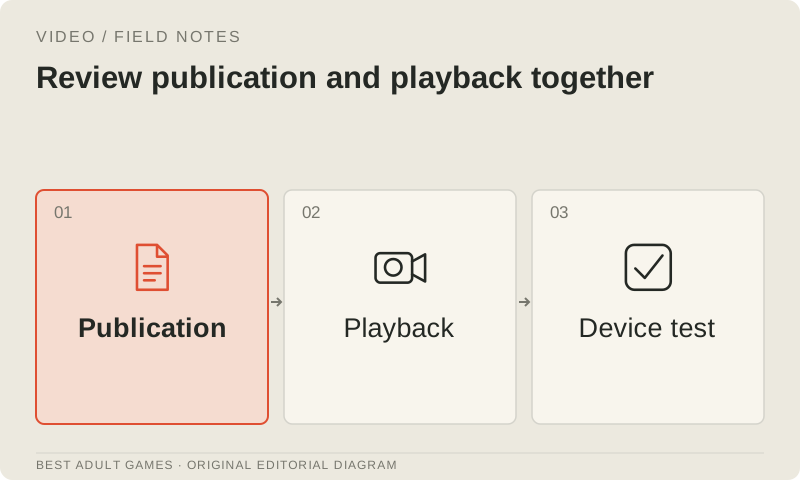
Local inference remains subject to the model’s AUP. Lightricks’ policy applies to cloud and on-premises products and restricts sexually explicit generation; other licenses impose their own safety or attribution conditions. Clear the rights to source likenesses, voices and artwork, then check the destination’s current submission and preview rules. A successful render or an adult age label does not establish permission to distribute the asset through every channel or territory.
Export a master, the required delivery formats and a still fallback. Check dimensions, frame rate, duration, pixel format, sound, unintended metadata and embedded text. FFmpeg can transcode and select streams, but a valid container still needs a playback test in the engine. Test playback, looping and scene changes in the game on representative hardware, then watch and listen to the compressed delivery file. Ship the accepted version and retain its master and manifest so licensing, localization or playback corrections remain manageable.
Key decisions
- Check licenses for weights, dependencies, inputs and distribution territories before starting a batch.
- Pin an official configuration and keep a working baseline you can reproduce.
- Measure the whole job and its resource use on the machine that will run it.
- Judge acceleration by accepted footage and reliable exports as well as speed.
- Retain editable masters and test the delivery encode in the game before publication.
External model communities and publishing sites may contain explicit material. Source links open in a new tab; this guide does not load their previews.
Sources & further reading +
- Official Wan 2.2 repository ↗
- Official HunyuanVideo 1.5 repository ↗
- HunyuanVideo 1.5 community license ↗
- MiniMax H3 community license and AUP ↗
- LTX-2 repository: current LTX 2.5 and legacy 2.3 ↗
- LTX 2.x community license ↗
- Lightricks acceptable use policy, March 2026 ↗
- Official MAGI-2 Preview repository ↗
- Official AnimateDiff repository ↗
- Official CogVideoX repository ↗
- FFmpeg transcoding and stream-selection documentation ↗
Last checked 5 October 2026.