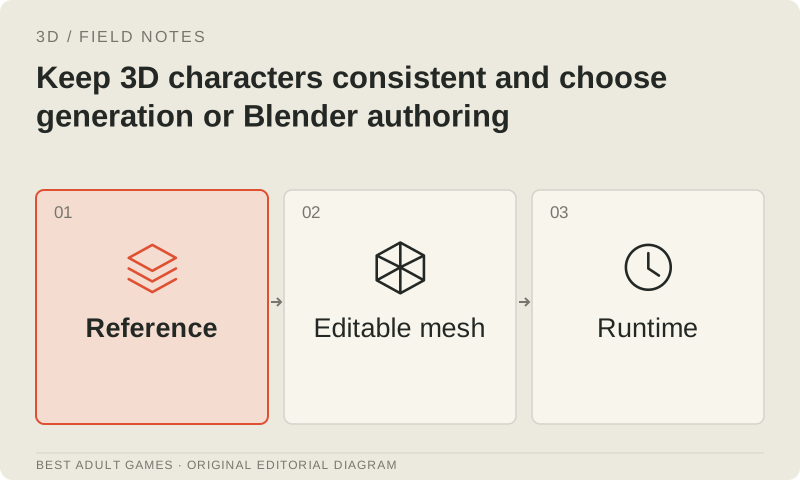
Your protagonist should survive a new jacket, a new pose and a close-up without turning into somebody else. That takes an approved design and an editable source. Generating a fresh mesh for every scene makes continuity harder to control. Treat the character as a reusable asset with a stable design, rig and revision history, then choose tools for the stages where they help.
The examples here are practical and non-explicit: a clothed protagonist, a shopkeeper and reusable equipment. Both an artist-built source and a generation-assisted workflow need a consistent design. They also need permissions that fit the project: reference rights, model terms and final asset rights each require their own check.
Create an identity specification that an artist can use
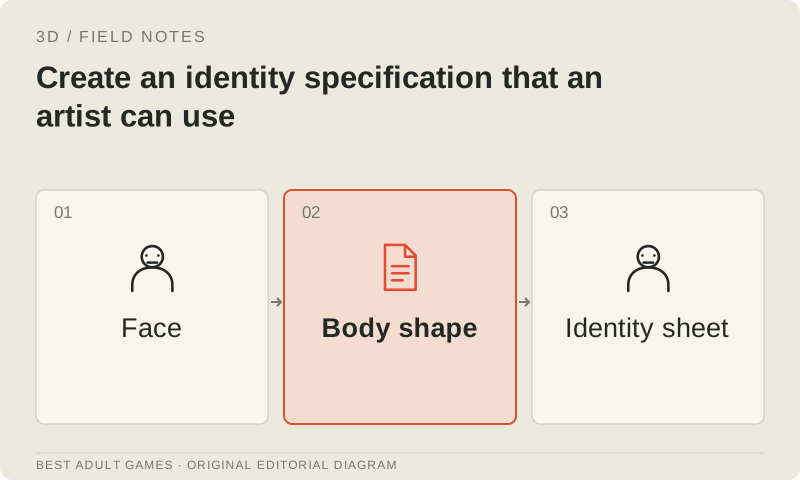
Define what makes the character recognizable: facial proportions, eye shape, hairstyle silhouette, body proportions, costume construction, recurring colors and important markings. Identify which features stay fixed and which can vary with expression, pose, lighting or clothing. Work from the gameplay camera: a small portrait and a full-body close-up need different levels of detail.
Approve front, side, back and three-quarter views with consistent proportions. Add close-ups of the face, hands and important accessories. If the drawings disagree, settle the design before feeding them to a multi-view generator. A reference sheet should resolve artistic decisions. Several attractive pictures with different faces and proportions leave the production team guessing.
Keep a reference-rights record alongside the design
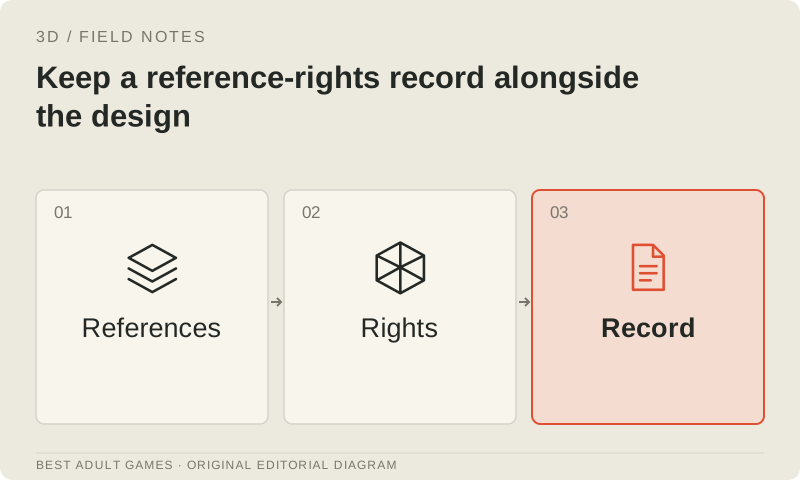
Record who created each reference and what permission covers derivative assets and commercial distribution. A license to display an image may not cover uploading it to a service or turning it into an editable 3D character. Check the applicable permission for commissioned designs, photographs and stock assets, and keep those terms with the asset record.
If a reference depicts an identifiable person, include the rights and consent needed for the fictional portrayal and production workflow. Use authorized adult references for adult-character work. Permission to use generator outputs does not resolve missing permission for an input. When a contract is ambiguous, ask the rights owner or a relevant adviser; a public upload alone gives you no permission.
Choose an authored source when the character is a core dependency
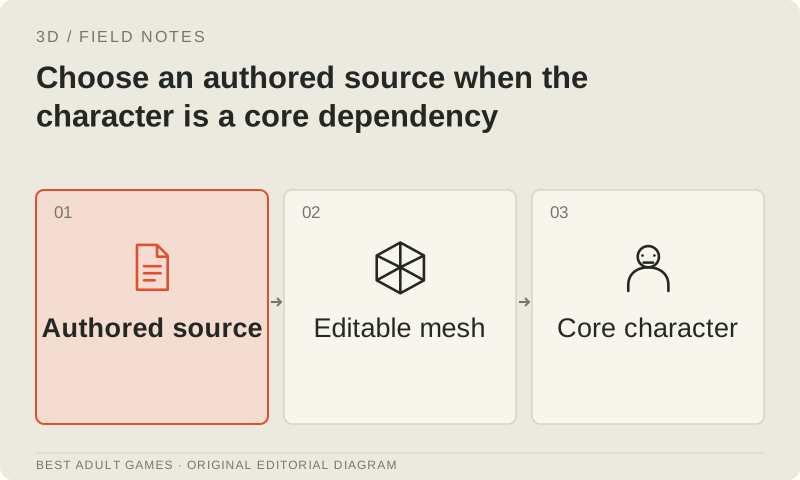
An authored Blender asset, or one built in a comparable 3D authoring tool, is usually the stronger foundation for repeated animation, facial expressions, interchangeable clothes and strict continuity. Build proportions and surfaces around the final skeleton and viewing conditions. Keep topology, UVs, shape keys, rig controls and texture sources editable. Once approved, that source can supply renders and exports for many scenes.
The payoff is control over revisions. You can change a hairstyle without regenerating the face, or repair a sleeve without rebuilding the skeleton. Modeling and rigging still require skill and time. Compare that initial investment with the cleanup, identity drift and incompatible revisions that can accumulate across separate generated candidates.
Use generation where it provides a usable candidate
Image-to-3D can propose a base shape, costume accessory or background prop from an approved design. A local shape model can also provide a source for sculpting or a bake. Check the candidate against the whole reference sheet, including hidden surfaces, before accepting it into production. Keep the generator's original output separate from the edited, accepted source.
Parts-oriented tools may help with equipment that must move or be exchanged. A procedural prop template may suit repeatable furniture or objects with editable dimensions. Human-mesh-recovery tools can assist authorized pose and body-reference analysis; they do not supply finished characters. Choose a tool to fill a specific gap in the workflow instead of expecting one model to handle every asset.
Compare the character pipelines with matching deliverables
Set one complete character brief: an approved clothed design, the project's skeleton, a required expression set, a small animation set and a shipping export. Compare generation plus cleanup, artist authoring and any assisted service against that same deliverable. A static sculpt or rotating preview leaves too much of the character task unfinished to earn the same production score.
Count attempted candidates and correction hours. Identity drift, fused accessories, unsuitable joint loops, texture seams and skinning errors can consume any time saved by generation. Check whether the team can reliably make a second outfit or expression from the accepted source. If each change needs another near-total rebuild, the workflow has yet to produce a reusable character.
Approve identity before rigging and after deformation
Review the source in neutral lighting from the front, side and back, with close views where needed. Compare the silhouette, face proportions and costume construction with the approved references. Keep camera framing consistent between candidates so presentation cannot hide drift. Give concise rejection reasons tied to the design; impressive materials should not excuse the wrong face.
After rigging, repeat the identity check in the actual idle, walk, reach and seated poses. Skin deformation can change the face and body even when the rest pose passes review. Inspect eyelids, mouth shapes, shoulders, hands and clothing intersections wherever gameplay requires them. An automatic rig and a compatible skeleton still need this review.
Build variations from the accepted character source
Build clothing and equipment variations around the approved proportions, skeleton and material plan. Decide which layers are interchangeable, how to handle hidden geometry and how to name attachment points. Reuse compatible textures and materials where practical while preserving unique identity markings. Make a small test scene with combinations likely to expose clipping.
Build a different jacket on the existing character source when it can support an authored garment. Adapt useful generated accessories to the approved attachment and scale conventions. Track outfit revisions separately so an accessory repair does not needlessly invalidate accepted body or animation work.
Keep generated images and 3D sources in the same visual language
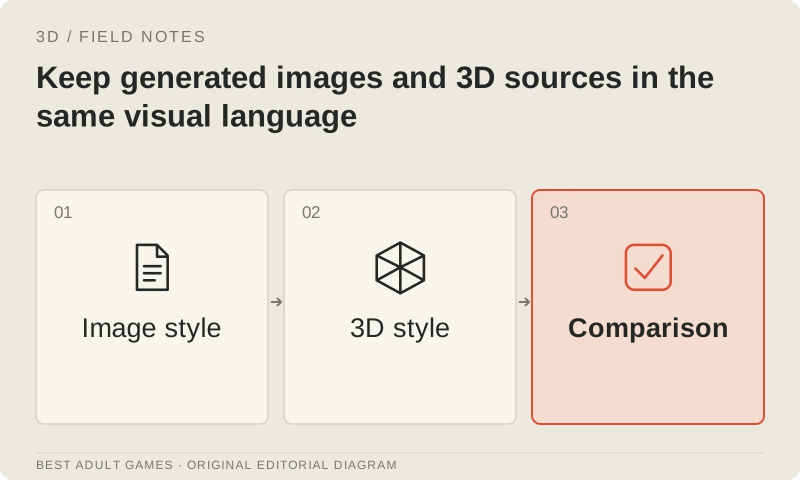
If the game mixes rendered scenes, portraits and real-time play, define the shared face, palette, clothing details and lighting direction. Render references from the accepted 3D source when you need consistent camera angles. Put generated scene illustrations through the same identity checklist before allowing one to become a new canonical reference.
Save the production settings: source version, camera, render setup, material variations and any image-model recipe permitted for the project. A seed alone cannot reproduce the whole result. Model upgrades and prompt changes can shift identity, so compare a proposed workflow with the approved source. Change the design only when the team deliberately accepts the revision.
Audit exact licenses and provider restrictions
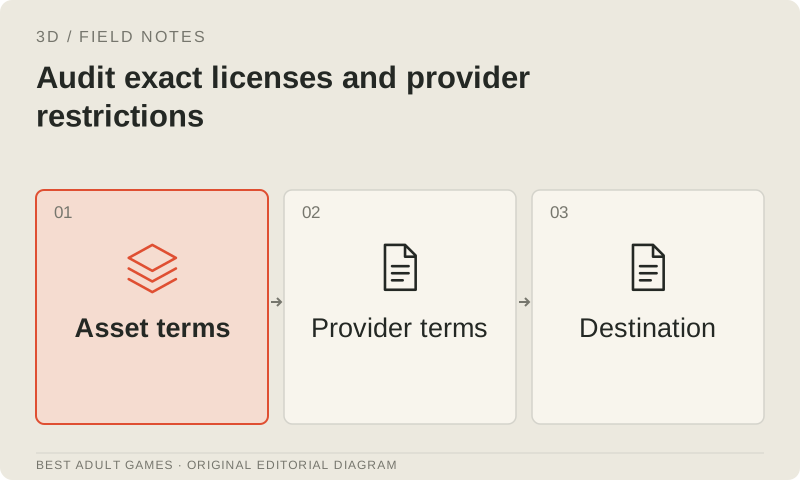
Check the model or checkpoint, wrapper, helper models, reference inputs and hosting plan separately. Downloadable weights do not automatically permit every commercial or adult use. Hosted output ownership, copyrightability and permission to use the input are separate questions. Keep the license and policy versions that governed the accepted batch.
At the guide's 5 October 2026 check, the reviewed Meshy and Hyper3D terms restricted pornographic content or prompts. Stability's policies restricted sexually explicit work and were incorporated into the relevant 3D checkpoint licenses. Hunyuan community releases had territory and use conditions, with different terms for hosted services. Keep content within the permissions of the route you choose, and check whether its terms allow your intended adult content.
Package a character for future updates
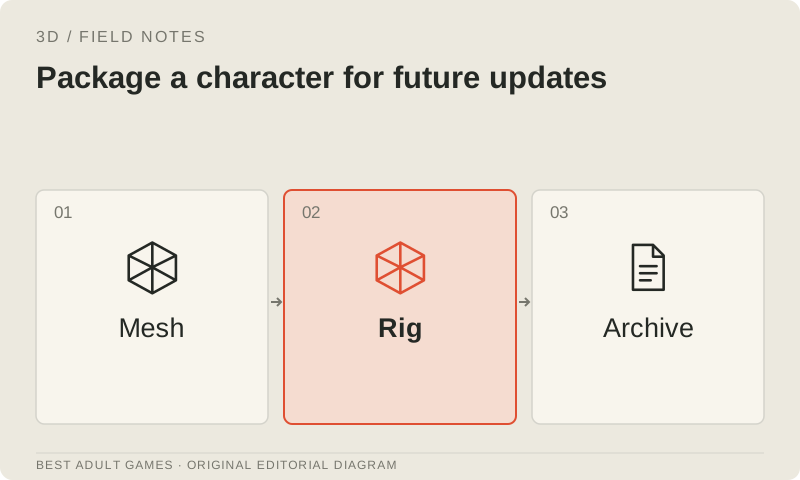
Deliver the approved design, rights record, editable mesh, textures, skeleton, animations, variant conventions and accepted runtime exports in one source bundle. Include evidence from the deformation review and a clear list of untested requirements. Retain raw generated candidates when they help explain how the source was built, and mark them clearly as candidates.
Version changes by what they affect. A UV change can invalidate textures; a skeleton change can invalidate clips; a body-proportion change can invalidate clothing fit. Recheck those dependencies when their source changes. The finished character should remain editable and reusable after the generation account, model version or artist handoff has changed.
Key decisions
- Approve a consistent design from multiple views before generation.
- Record input permissions separately from provider output rights.
- Build recurring scenes and outfit variations from one editable character source.
- Compare complete, rigged and reviewed characters against the same brief.
- Recheck identity after skinning, animation and material changes.
External model communities and publishing sites may contain explicit material. Source links open in a new tab; this guide does not load their previews.
Sources & further reading +
- Tripo input and output rights distinctions ↗
- Meshy output ownership conditions ↗
- Hyper3D prompts and output terms ↗
- SAM 3D Body task and representation ↗
- PartCrafter structured geometry ↗
- Hunyuan3D 2.1 exact license ↗
- Current Stability AUP ↗
- Blender 4.3 glTF source/animation export reference ↗
- Meshy acceptable-use policy ↗
Last checked 5 October 2026.