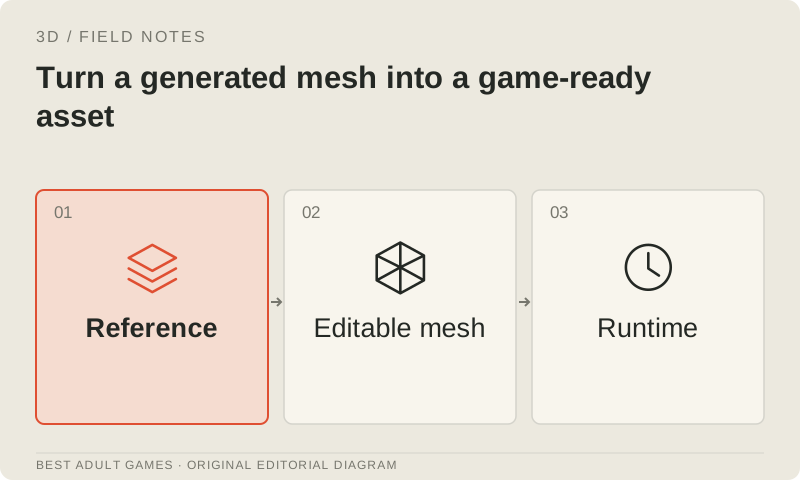
A generated mesh still needs decisions about scale, shape, motion, loading and interaction. Start with the intended engine and gameplay camera, preserve the raw generation, then make corrections in an editable digital content creation (DCC) file. Keep the runtime export separately versioned so the shipped asset can be traced back to its source.
Use the stages below as acceptance checks for your asset, engine and target hardware. Set the brief before cleanup and record what passes. A handsome turntable is welcome; it cannot tell you whether a character deforms properly or whether a room full of props fits the performance budget.
1. Establish the source and runtime contract
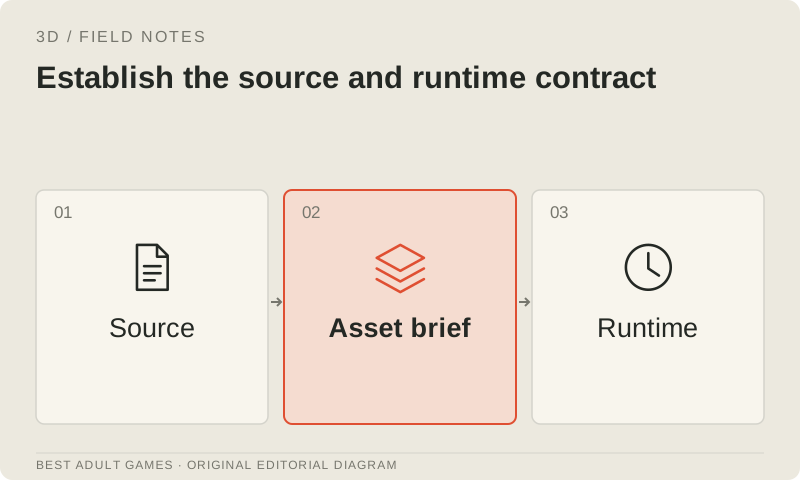
Create an asset record with the approved reference, generation recipe, input and output rights, expected dimensions, interaction role and owner. Save the raw mesh and textures before cleanup. Import a working copy into Blender or your chosen DCC and inspect it from every side, in wireframe and by material channel. Give the backside and underside the same scrutiny as the generator's front preview.
Set project units, orientation, origin and naming conventions. Put the pivot where the object needs to rotate or attach in gameplay. For characters, agree on the rest pose and skeleton before skinning. Keep the authored file alongside the shipping export, with scale and pivot corrections recorded in the source. Runtime code should not become the only place those decisions survive.
2. Decide what geometry deserves to survive
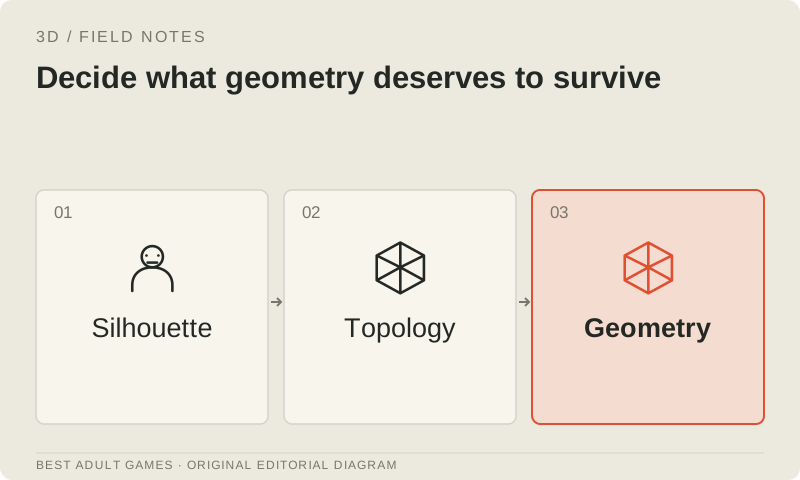
Review the silhouette at the gameplay camera distance. Fix invented openings, fused components, intersecting shells, floating fragments and normals facing the wrong way. Look for painted detail that needs to affect the shape, and dense geometric detail that could work as a baked normal map. Keep parts that need independent movement separate.
Apply automatic cleanup selectively. Some designs deliberately use open surfaces, overlapping clothing or thin cards; making everything watertight can damage them. Collision and visual meshes have different requirements. Save a copy before remeshing, which can alter UVs, shape keys and other authored information as it rebuilds the surface.
3. Choose simplification or deliberate retopology
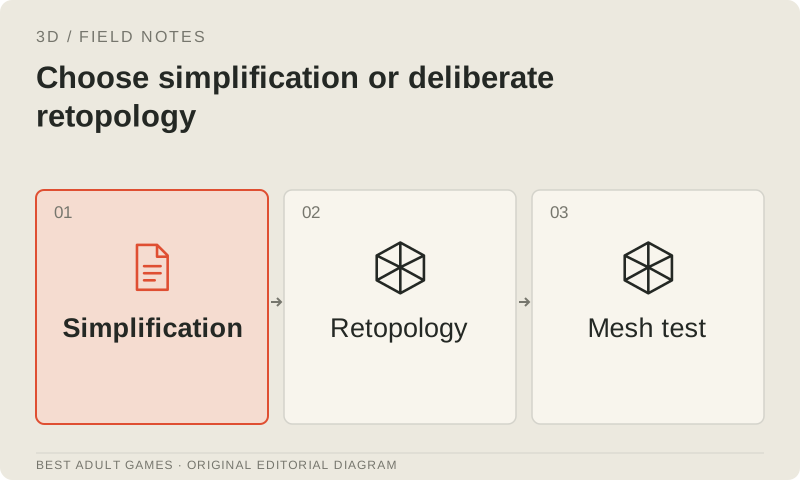
A static background prop may tolerate careful simplification if its silhouette, shading and UVs hold up. A speaking or frequently deforming character usually needs topology planned around its joints and expressions. Build loops around shoulders, elbows, knees, mouth and eyelids where the brief requires them, then test how they deform. Review a service's quad-dominant output with the same care.
Keep the dense, corrected source for baking. Approve the lower-detail mesh separately, checking what the reduction has changed. Thin straps, handles and curved outlines need particular attention. Record the DCC face count and exported runtime geometry: export can split vertices at material, UV or shading boundaries.
4. Create UVs that support the intended edits
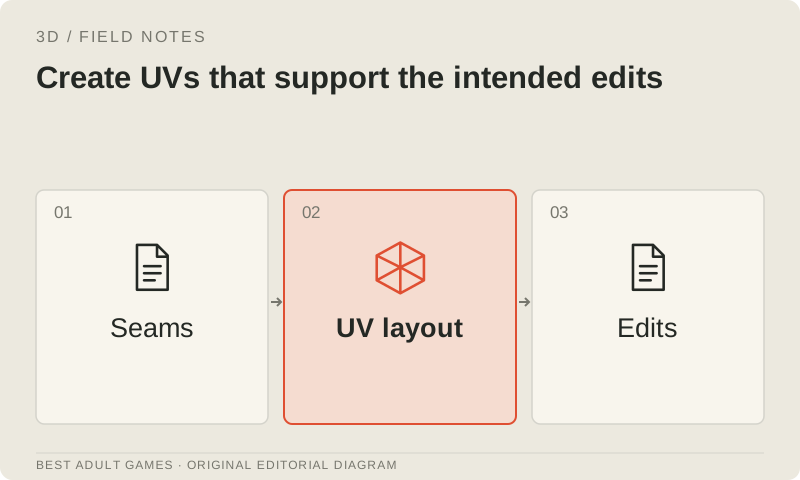
Inspect the UV layout with a checker texture. Look for stretching, uneven detail density, tiny islands and accidental overlaps. Place seams where you can repair them and where the intended camera exposes fewer artifacts. Shared or mirrored islands can suit some assets; unique bakes and asymmetrical markings may need their own surface space.
Choose texture dimensions from on-screen needs and the scene's total memory budget. A close-up face and a distant crate should not automatically receive the same allocation. Leave room around islands for filtering and lower mip levels. If topology has changed, rebake or repair textures against the final UVs. The old atlas may no longer fit.
5. Rebuild and validate the PBR material set
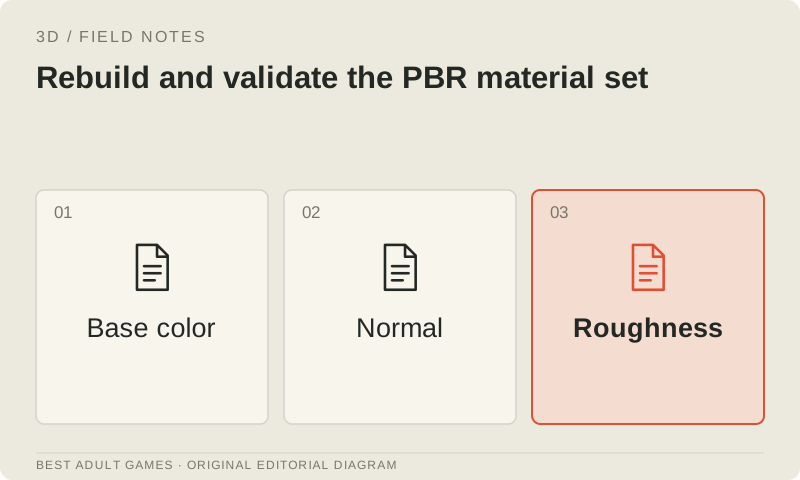
Separate base color from illumination. Painted highlights can look wrong under dynamic lighting. Review metallic, roughness and normal channels under neutral light, then under the game's lighting. Check the shader's color-space and normal-map conventions, channel packing and transparency mode. Run these checks even when the generator advertises PBR materials.
Where useful, bake details from the corrected source to the approved runtime mesh. Inspect seams, bake cages, projection errors and the low-detail silhouette; a normal map cannot restore a missing outline. Reuse compatible materials and atlases where the collection benefits. Count material slots and draw calls alongside triangles, and preserve editable texture sources for later art-direction changes.
6. Build a rig and inspect skinning
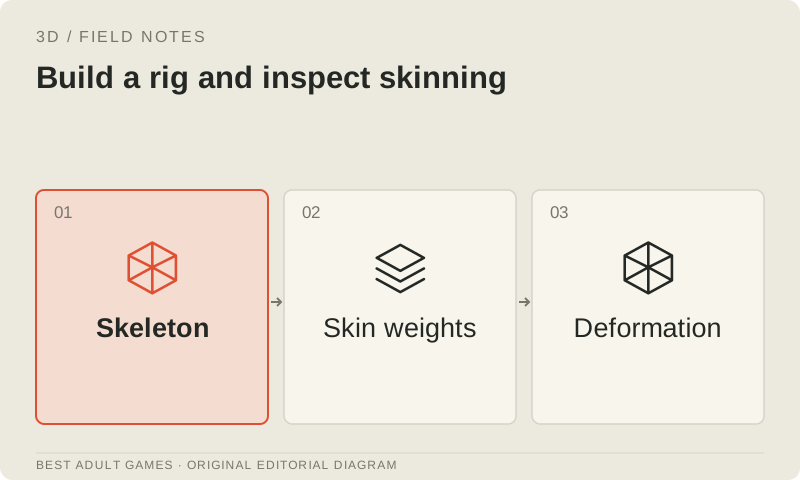
For a moving character, create or adapt the agreed skeleton and review bone orientation, hierarchy and naming. Give an automatic rig the same inspection. Adjust weights around shoulders, hips, fingers and clothing intersections, then test poses that exaggerate the expected motion. Check the approved character design again after deformation: repairs can still change its appearance.
Check engine limits for bone influences and skeleton complexity. Create required expressions or corrective shapes rather than assuming they arrive with a generated face. Verify attachments such as equipment and separate hair pieces. Preserve the rest pose, bind information and rig controls needed for future animation work in the source file.
7. Validate the actual animation set
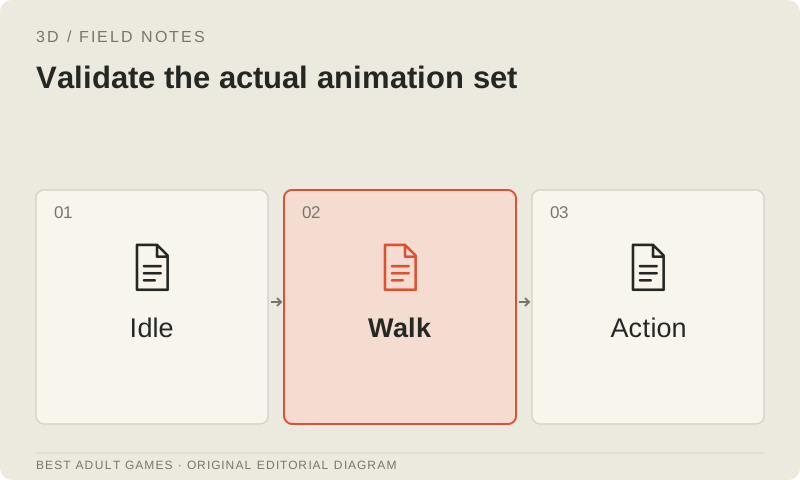
Test idle, walking, turning, reaching, sitting and the other gameplay actions the brief requires. Check floor contact, foot sliding, hand placement, clipping and scale changes. Decide whether movement uses root motion or an engine-controlled transform, then test transitions and loops with that same setup.
When retargeting, review the imported motion on the final character proportions. Matching skeleton names does not guarantee correct offsets or contact. Keep a small animation-review scene that exposes regressions, and test the shipping clips after export. Compare frames at loop boundaries to catch jumps that a quick preview can hide.
8. Author LODs and collision proxies
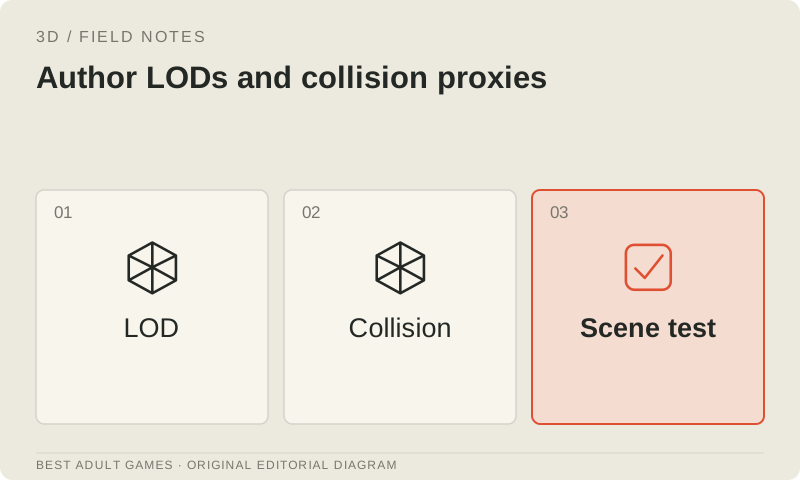
Create level-of-detail (LOD) variants for the asset's intended use. Remove detail progressively, preserve the silhouette and check transitions for distracting changes. Plan material and texture simplification alongside geometry reduction. Characters and repeated props may need different strategies; choose distances or projected-size thresholds from measured scene behavior.
Build simple collision proxies for the intended interaction. A cabinet can use boxes and a few moving shapes; a character may use the project's character-controller shape instead of every visual triangle. Keep proxies named and positioned consistently. Test opening components, navigation and physics in the engine, especially where generation has left unexpected internal surfaces.
9. Export, validate and optimize the runtime asset
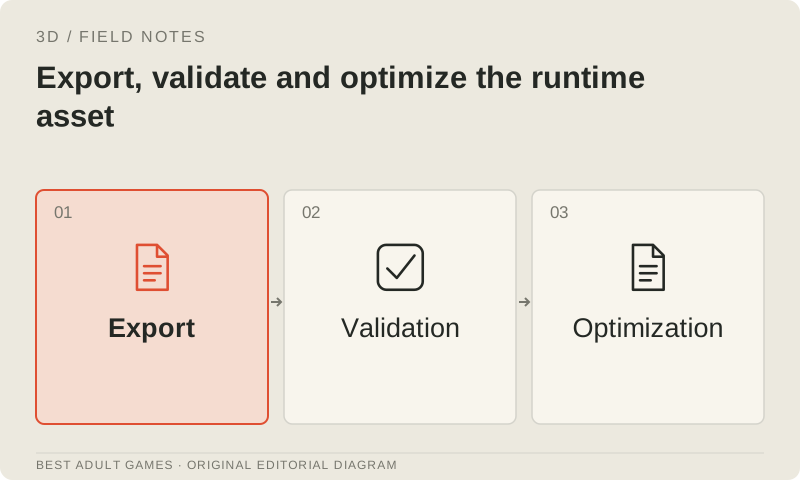
For web delivery, GLB or glTF 2.0 is a useful runtime format when the engine supports the features you need. Export materials, the skeleton and selected animations deliberately. Confirm that procedural DCC nodes have become supported material data or baked textures. Run Khronos glTF Validator, review errors and warnings, then compare the imported result with the source.
Use glTF Transform or equivalent tools to inspect the export, prune unused content and deduplicate where appropriate. Compare mesh compression options against the loader's support and decode cost. Use texture compression such as KTX2/Basis when the runtime supports it. Preserve an unoptimized export and compare appearance and animation again after optimization. File size is only one part of acceptance.
10. Test the complete scene on target devices
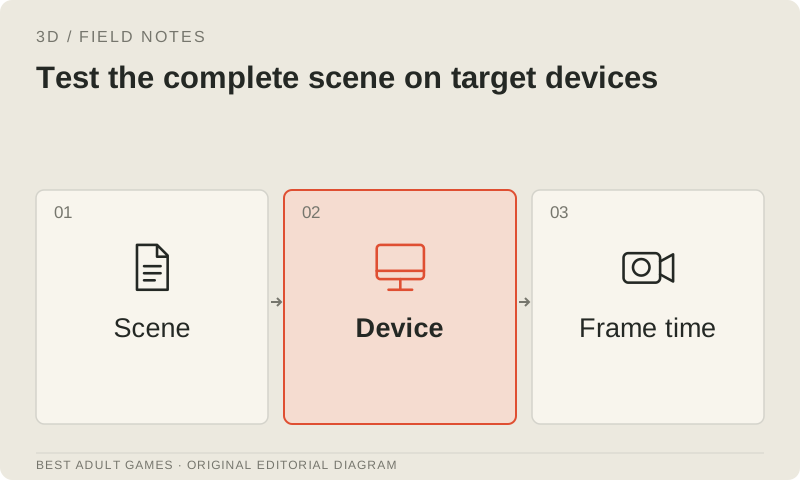
Load the shipping asset in representative gameplay with the expected instance count, lighting, shadows and animations. Measure network payload, decode time, memory and frame behavior separately. Test camera distances and interaction states that expose the backside, LOD transitions and collision assumptions. Check a release build and first-load behavior as well as the DCC or editor preview.
Use physical target devices for acceptance when mobile performance matters. Desktop browser emulation can expose layout and feature issues, but it does not reproduce a particular phone's thermal behavior or GPU limits. Record the device, browser/OS, scene configuration and measurements. Revise or reject an asset whose cost in the complete scene exceeds the budget, then rerun the checks affected by the correction.
11. Package the accepted asset and its evidence
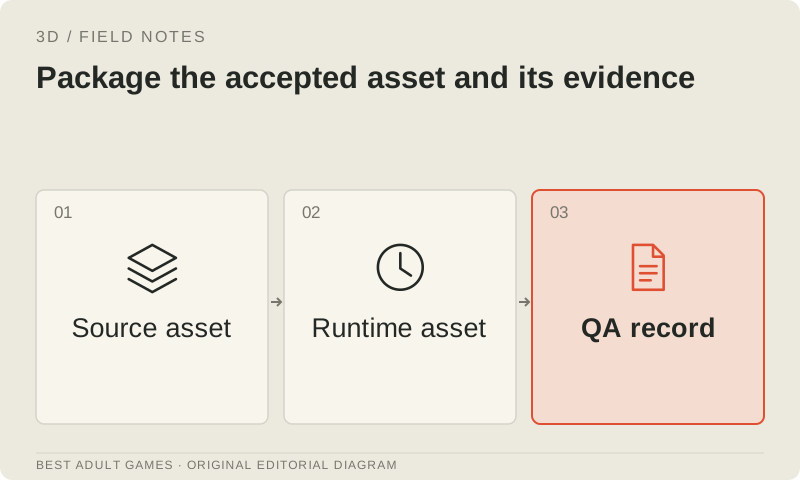
Deliver the source file, corrected textures, rights record, optimized runtime file, naming and pivot conventions, and review evidence. State which animations, collision states and devices passed, and which remain untested. Store acceptance results with the asset version so a later regeneration cannot silently replace an approved mesh.
Use the preserved sources to estimate the cost of future revisions. Human cleanup may take longer than the original generation, especially for main characters, so record that work too. Accept the asset when its visual, movement, interaction and performance requirements have passed together.
Key decisions
- Preserve raw output, editable source and runtime export separately.
- Treat retopology, rigging and skinning as distinct production jobs.
- Recheck materials, silhouette and animation after destructive conversions.
- Profile the complete scene on physical target devices.
- Store acceptance results with the delivered asset version.
External model communities and publishing sites may contain explicit material. Source links open in a new tab; this guide does not load their previews.
Sources & further reading +
- Blender remeshing manual source ↗
- Blender 4.3 glTF exporter reference ↗
- Blender render baking reference ↗
- glTF Transform CLI ↗
- Khronos glTF Validator ↗
- glTF 2.0 format specification ↗
- Godot advanced import review ↗
Last checked 5 October 2026.